Image Split
-> go to [Image Control]

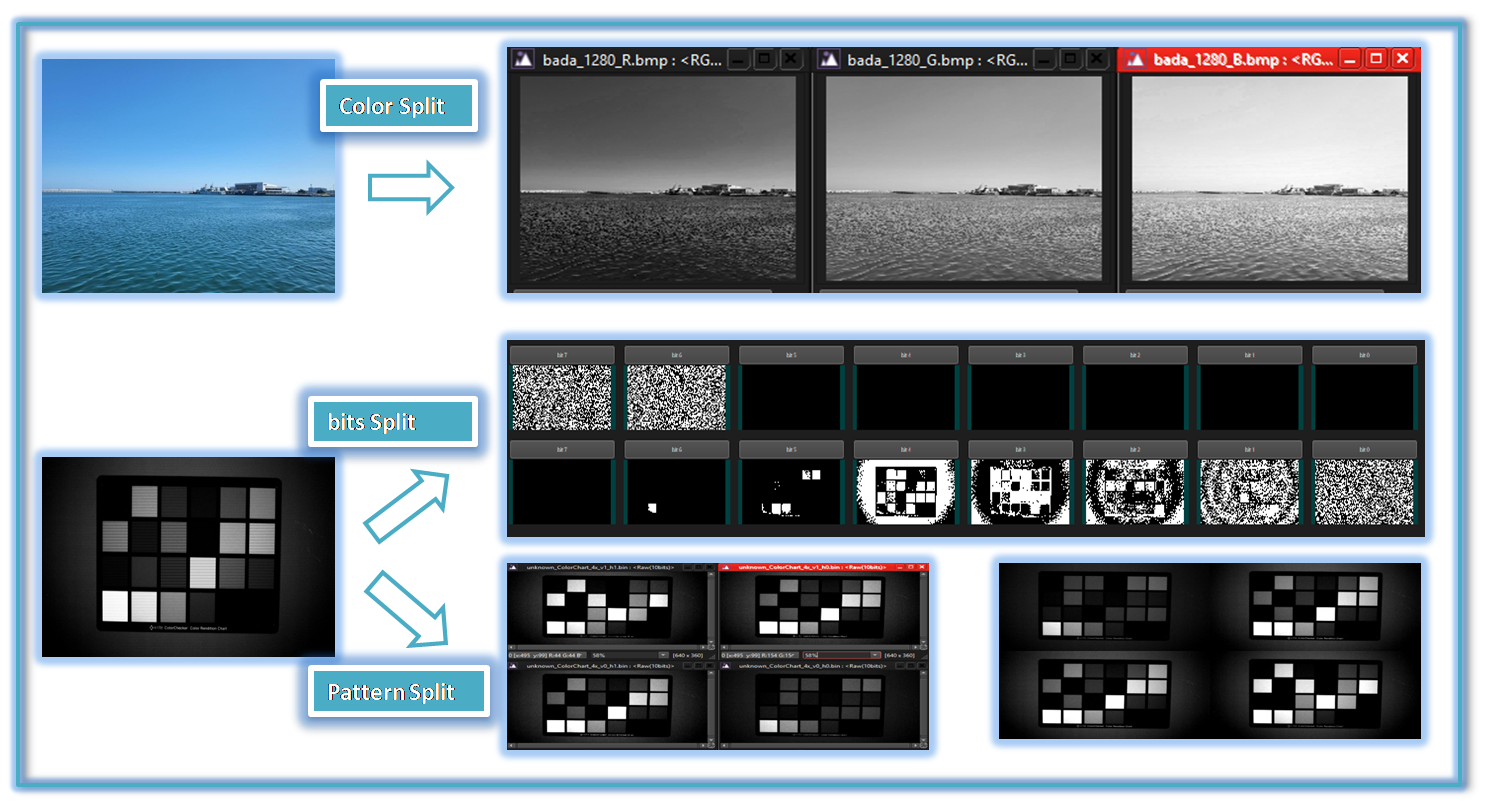
In various image analysis tasks, users often need to examine individual color channels, bit channels, or the separate color components of a Bayer pattern. To meet this requirement, this tool provides a powerful and user-friendly solution. It not only enables the efficient splitting of images into their respective channels but also supports the inverse process (DeSplit), allowing users to reconstruct the original image from its separated components. This functionality enhances flexibility in image processing, making it easier to analyze and manipulate image data for a wide range of applications.
-
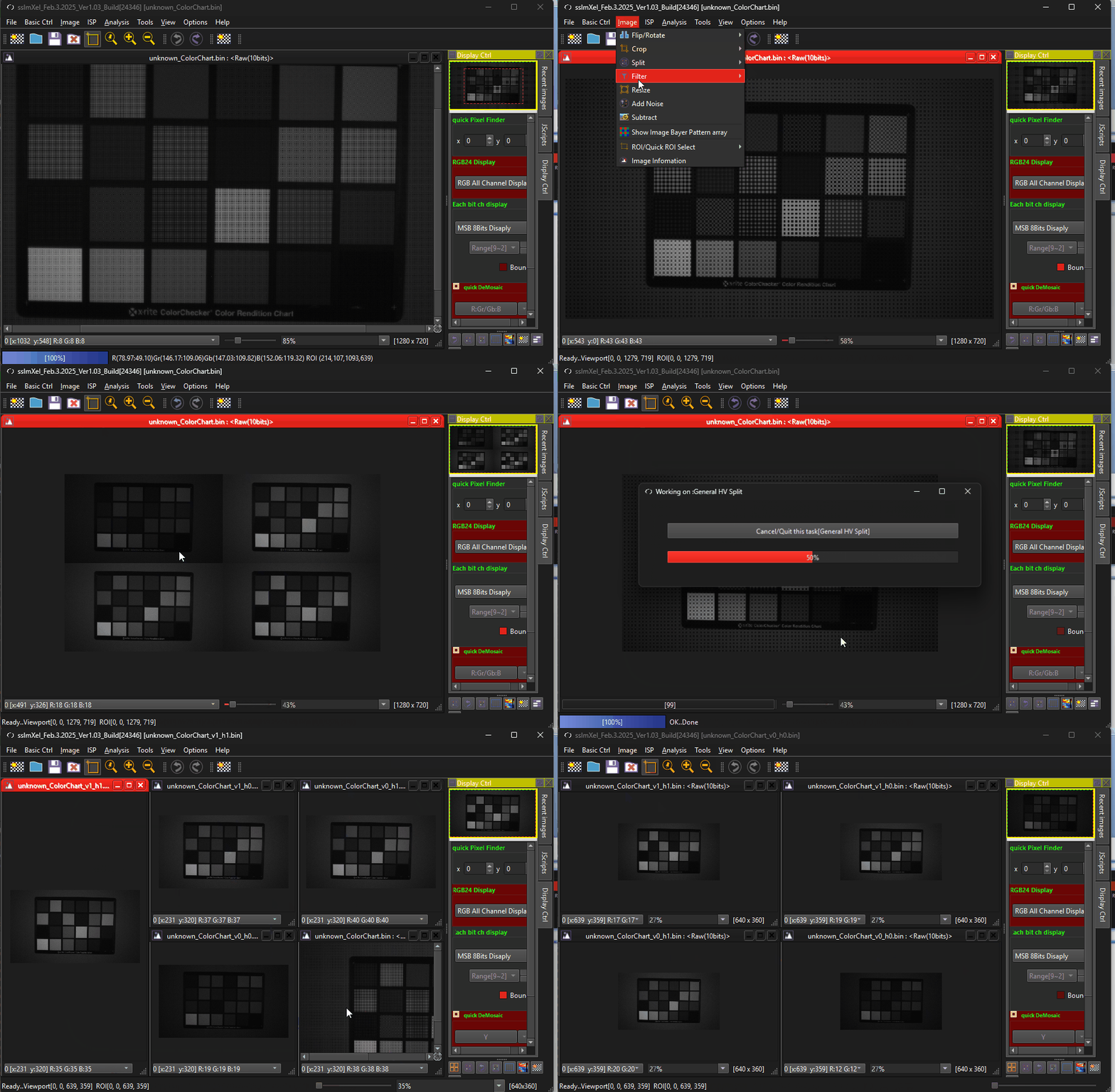
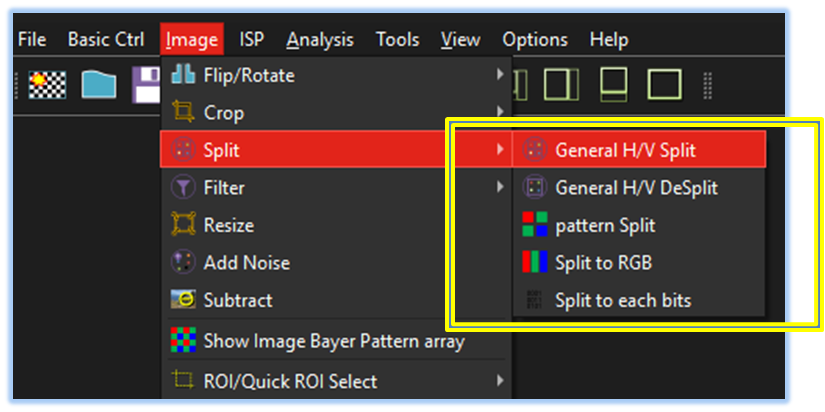
Splits the image into horizontal and vertical sections. General H/V Split
-
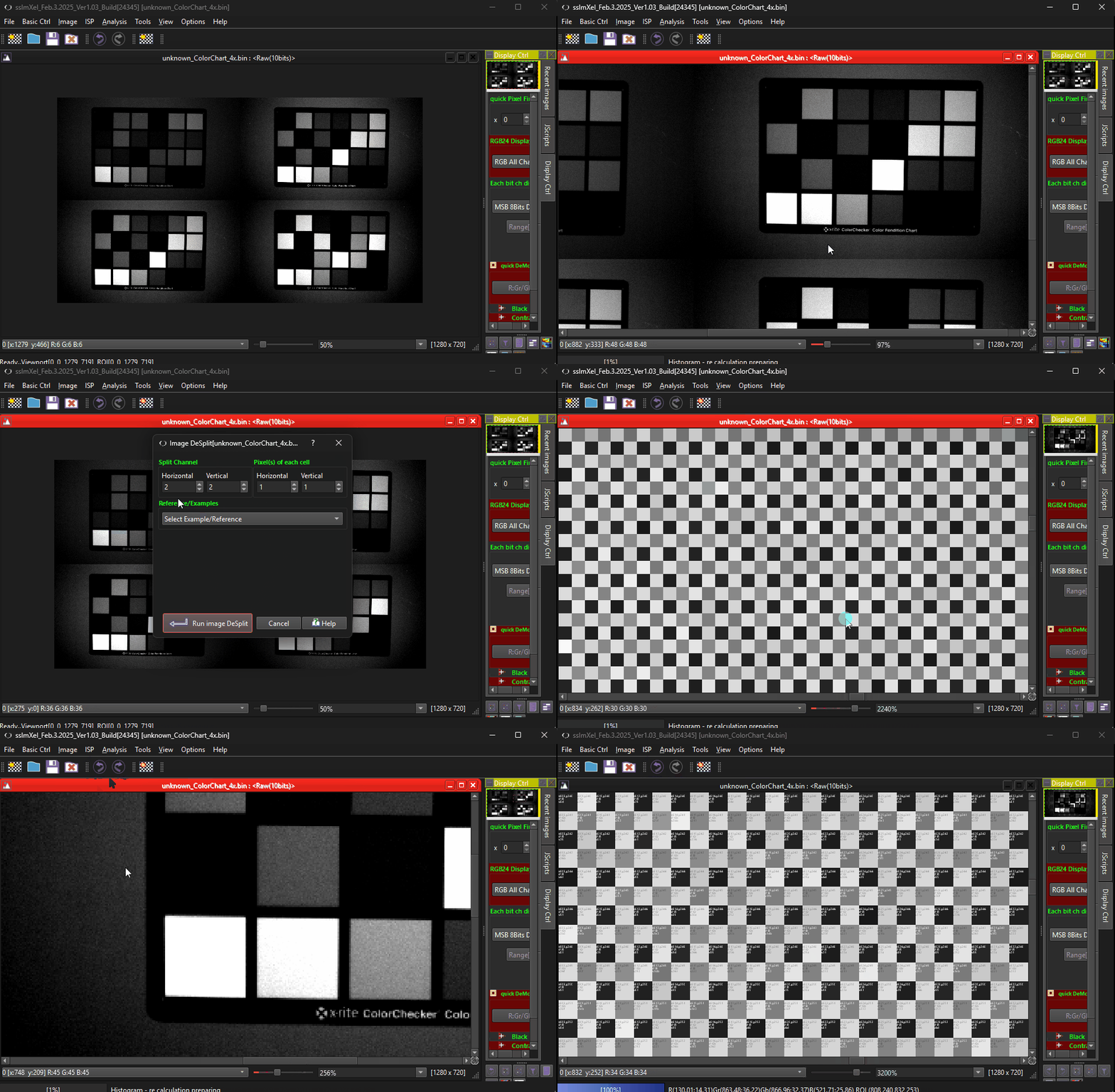
Reconstructs the image by merging horizontally and vertically split sections. General H/V DeSplit
-
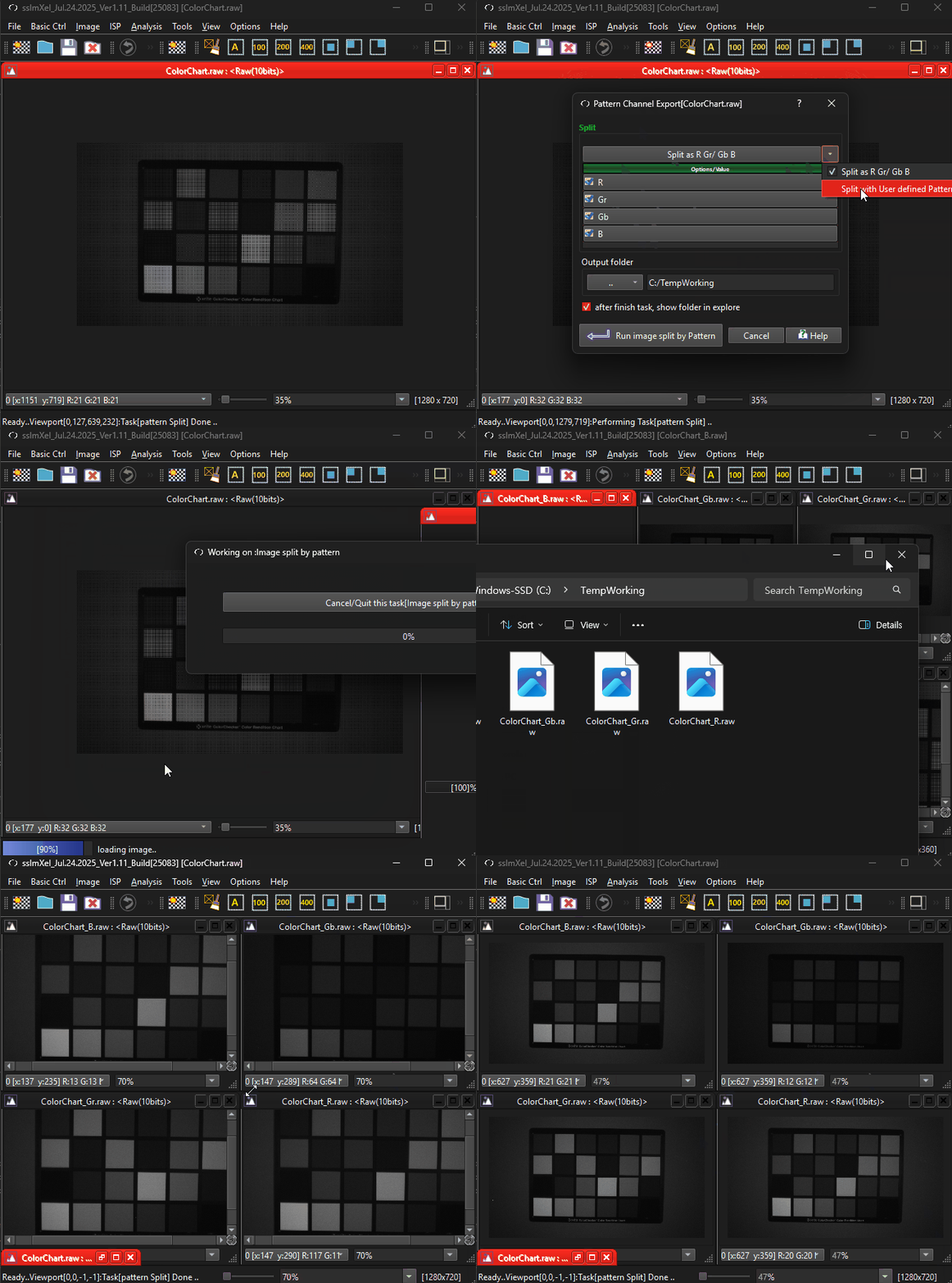
Separates the image based on predefined pixel patterns. Pattern Split
-
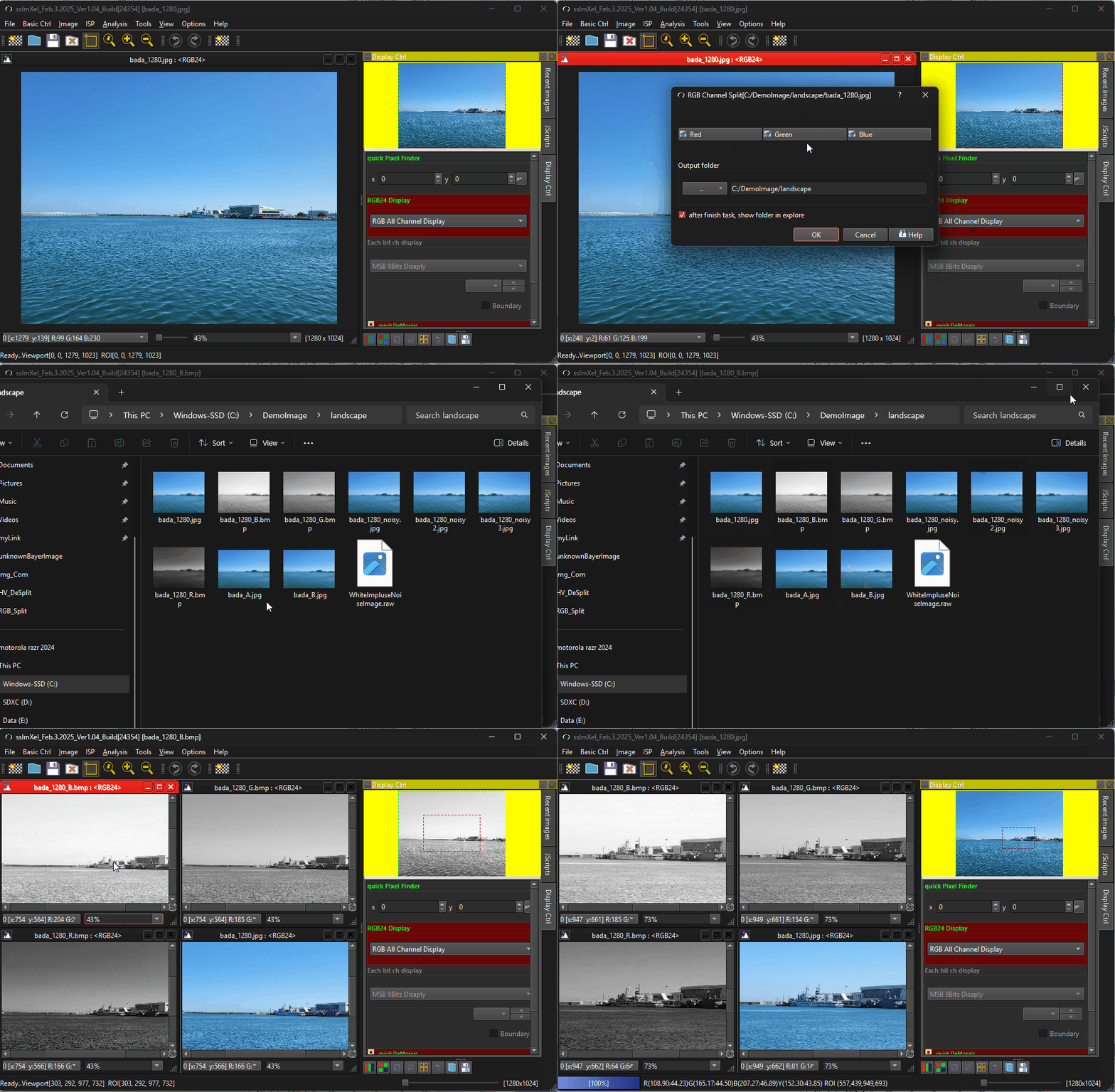
Divides the image into its individual Red, Green, and Blue color channels. Split to RGB
-
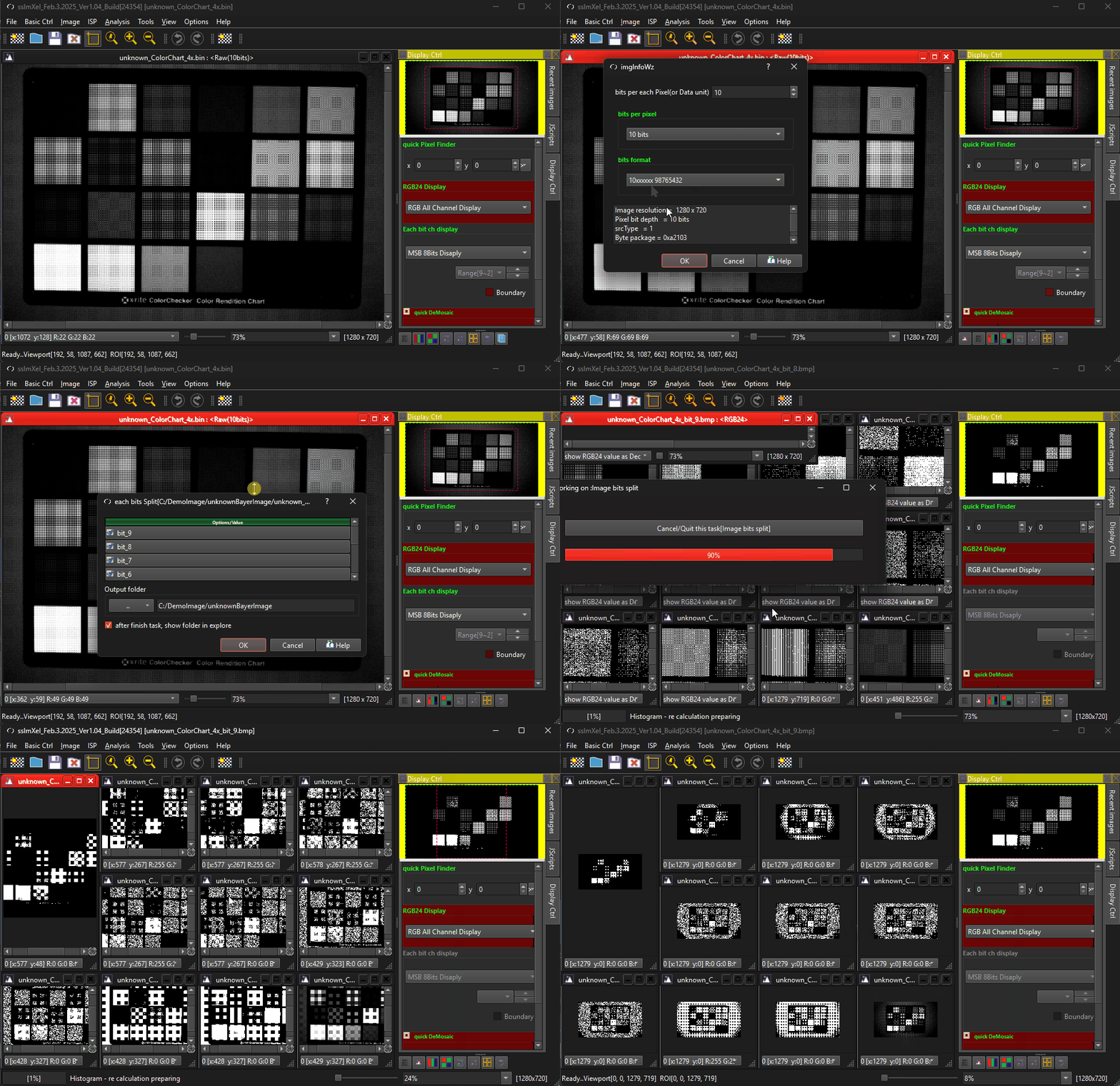
Separates the image based on predefined pixel patterns. Split to each bits

The GIF demo below demonstrates for pixelFinder tool makes it easy for users to compare images at any zoom level or region of interest (ROI) with simple controls.