Image Information

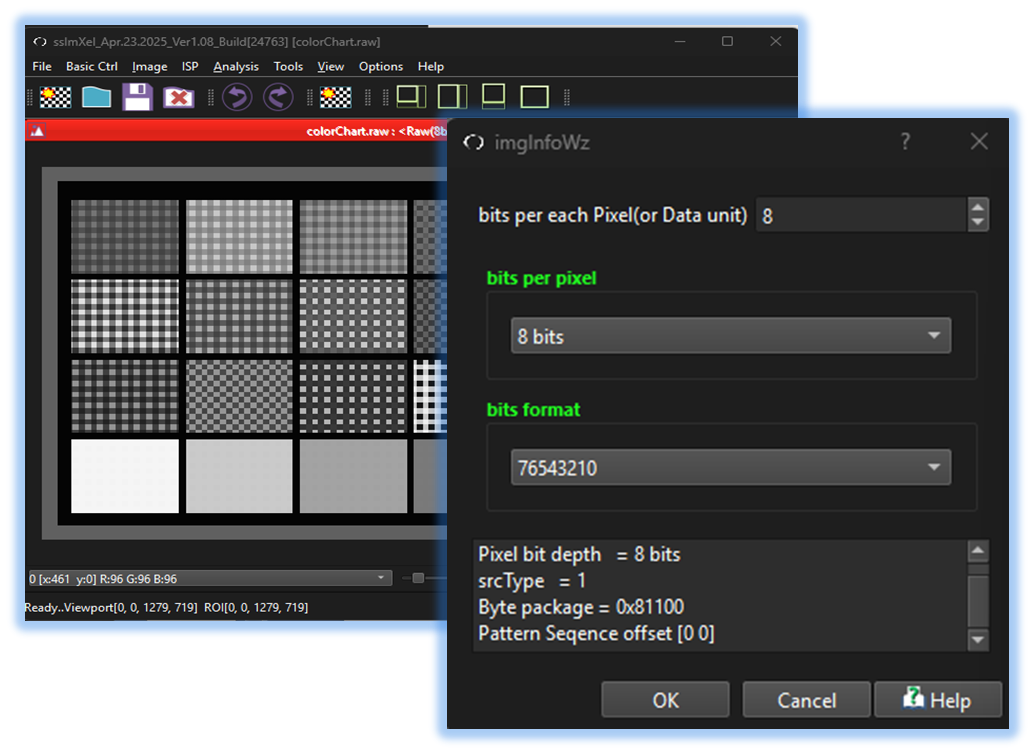
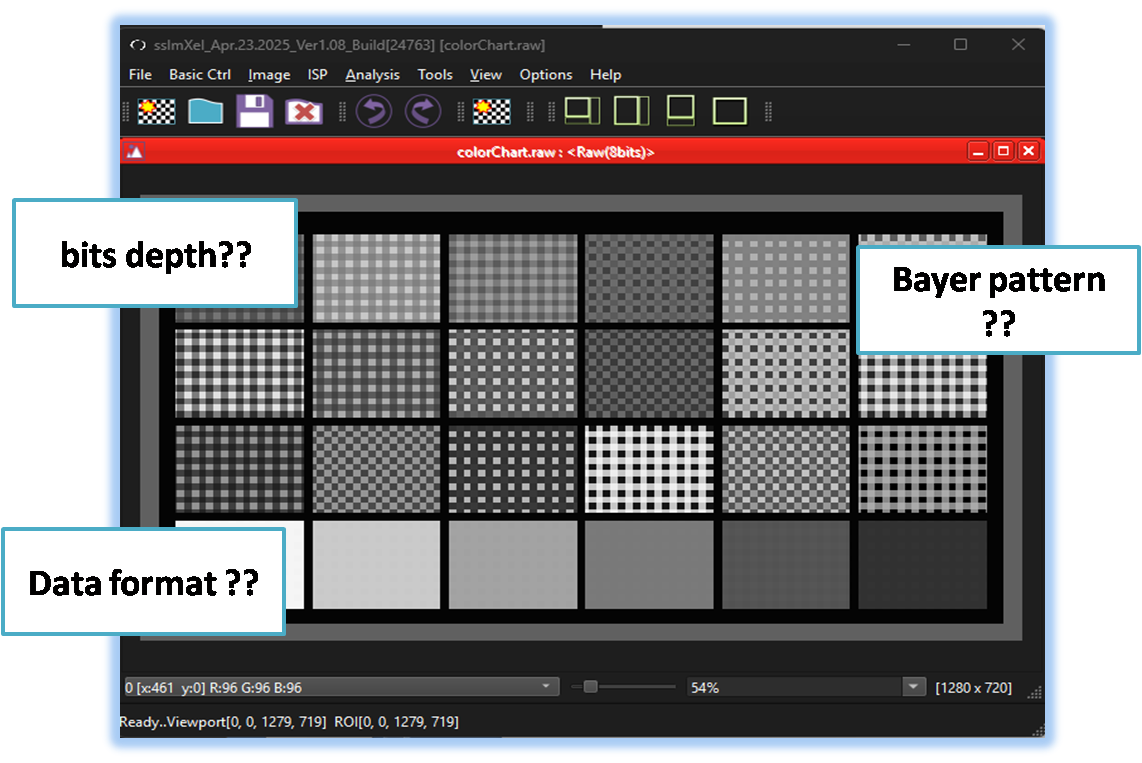
The user can access this menu to view essential details of the currently opened image, including its bit depth and bit format. This provides a quick and efficient way to check fundamental image properties for analysis or processing.


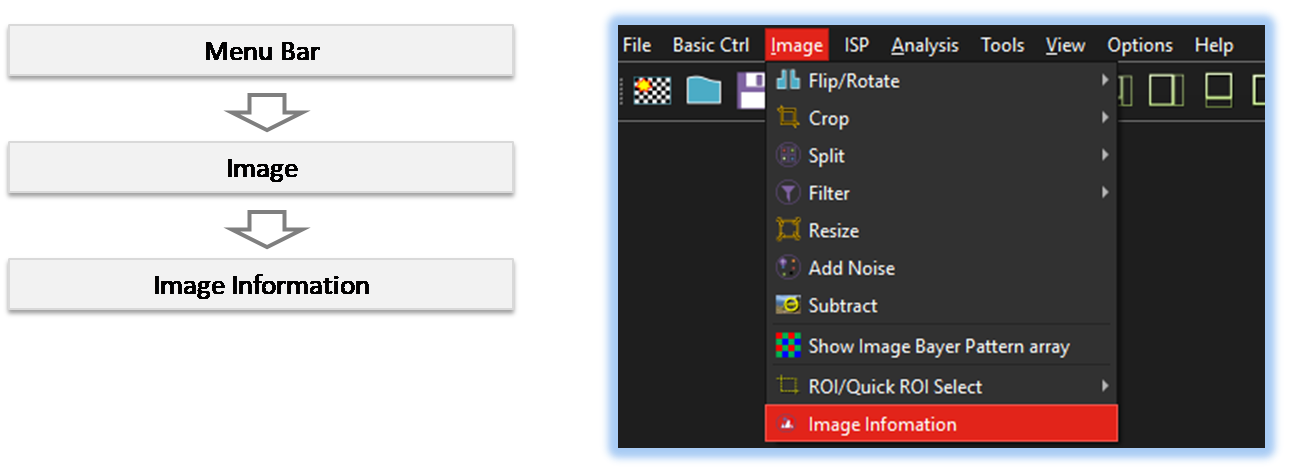
By selecting the menu options in the order shown in the image above or by choosing the toolbar icon
 , the ImageInformation dialog box will be showed up as shown in below picture.
For a more detailed explanation of the toolbar button or how to configure toolbar,please refer to configure toolbar
, the ImageInformation dialog box will be showed up as shown in below picture.
For a more detailed explanation of the toolbar button or how to configure toolbar,please refer to configure toolbar