ISP (Image Signal Processing)
-> go to [Menu Home]

The ISP offers comprehensive image enhancement controls, allowing users to adjust black level, contrast, gamma, and white balance for optimal visual output.
It supports color correction via a customizable color matrix and precise channel manipulation for improved accuracy.
Advanced demosaicing converts raw sensor data into full-color images, while inverse demosaic simulates raw formats from processed ones.
Lens shading removal ensures even illumination by correcting brightness or color falloff caused by optical imperfections.
Together, these functions deliver high-fidelity image processing across varied conditions and sensor types.
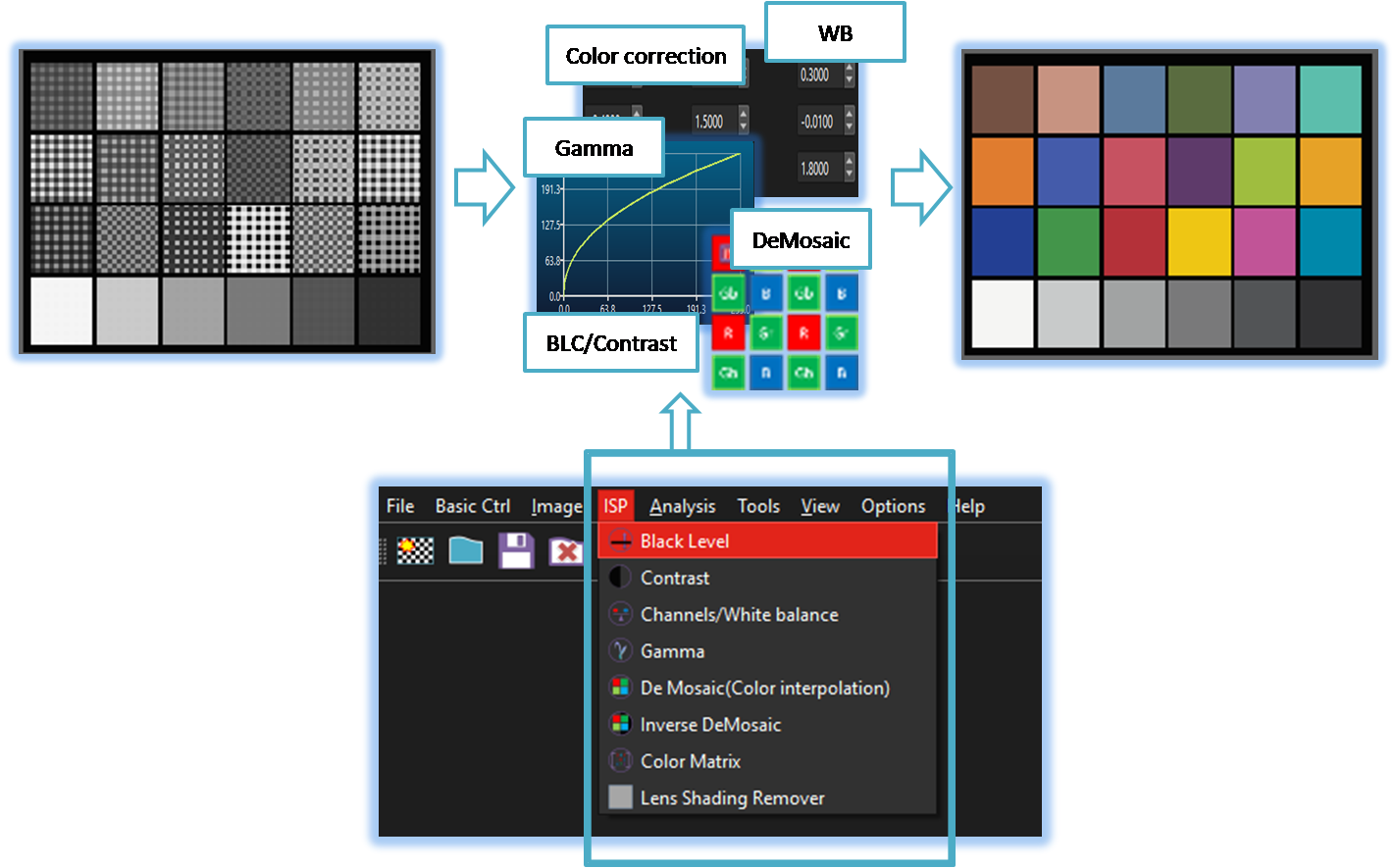
-
Black Level Control
Allows users to adjust the image's black level. -
Contrast
Allows users to adjust the image contrast. -
Channel/White Balance
Allows users to adjust image color balance or individual channel levels. -
Gamma
Enables users to fine-tune gamma levels to control image brightness and contrast balance. -
DeMosaic
Converts raw Bayer pattern data into a full-color image by interpolating missing color information. -
Inverse DeMosaic

Converts a full-color image back into a simulated raw Bayer-pattern-like format. -
Color Matrix
Allows users to apply user defined color correction matrix. -
Lens Shading Remover
Removes brightness or color shading caused by lens imperfections to produce a more evenly lit image.