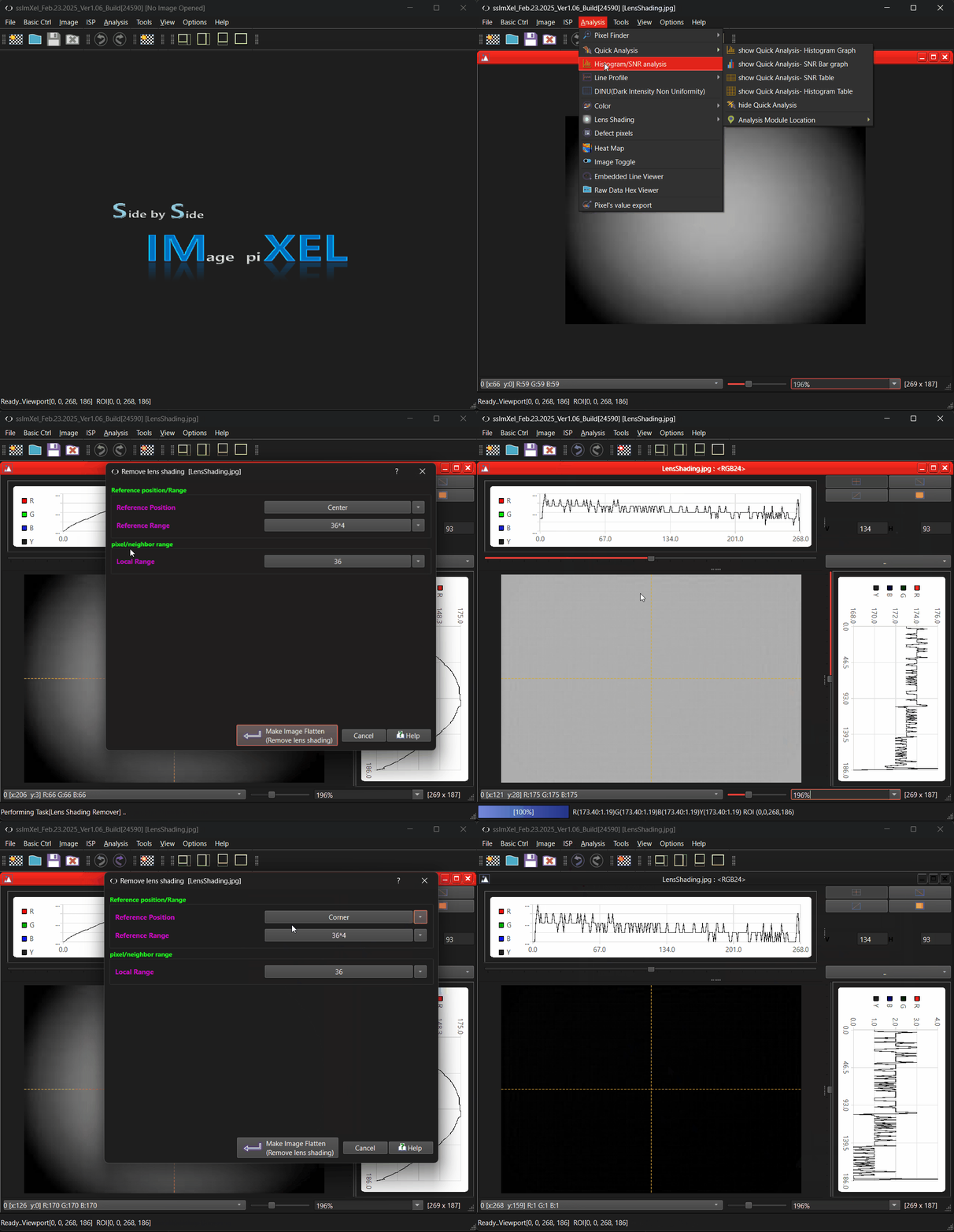
LensShading_Top
-> go to [Analysis]

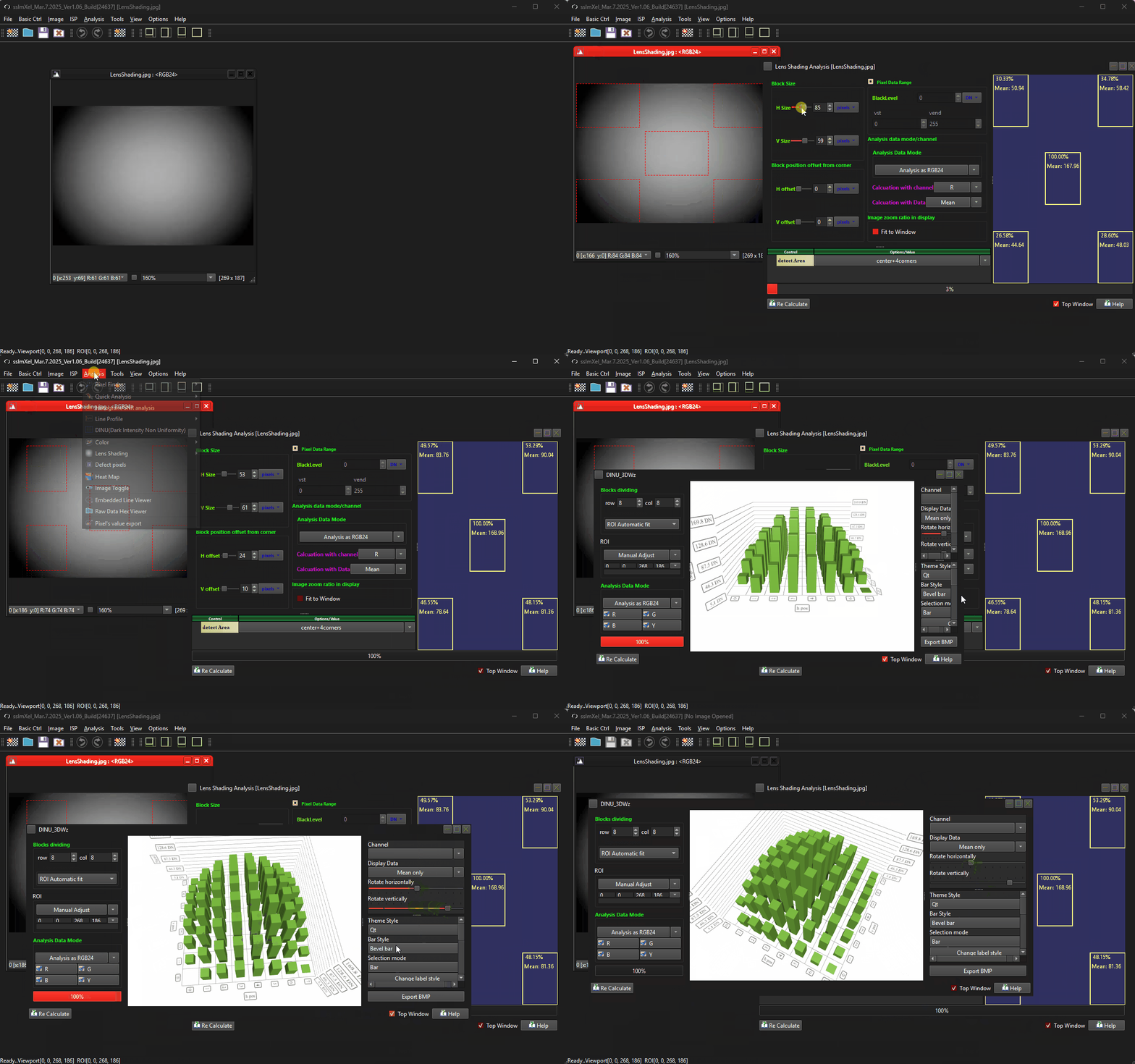
Analyzing lens shading in an image sensor is essential for correcting brightness and color non-uniformity, optimizing image quality, and ensuring proper calibration for accurate and consistent imaging performance,
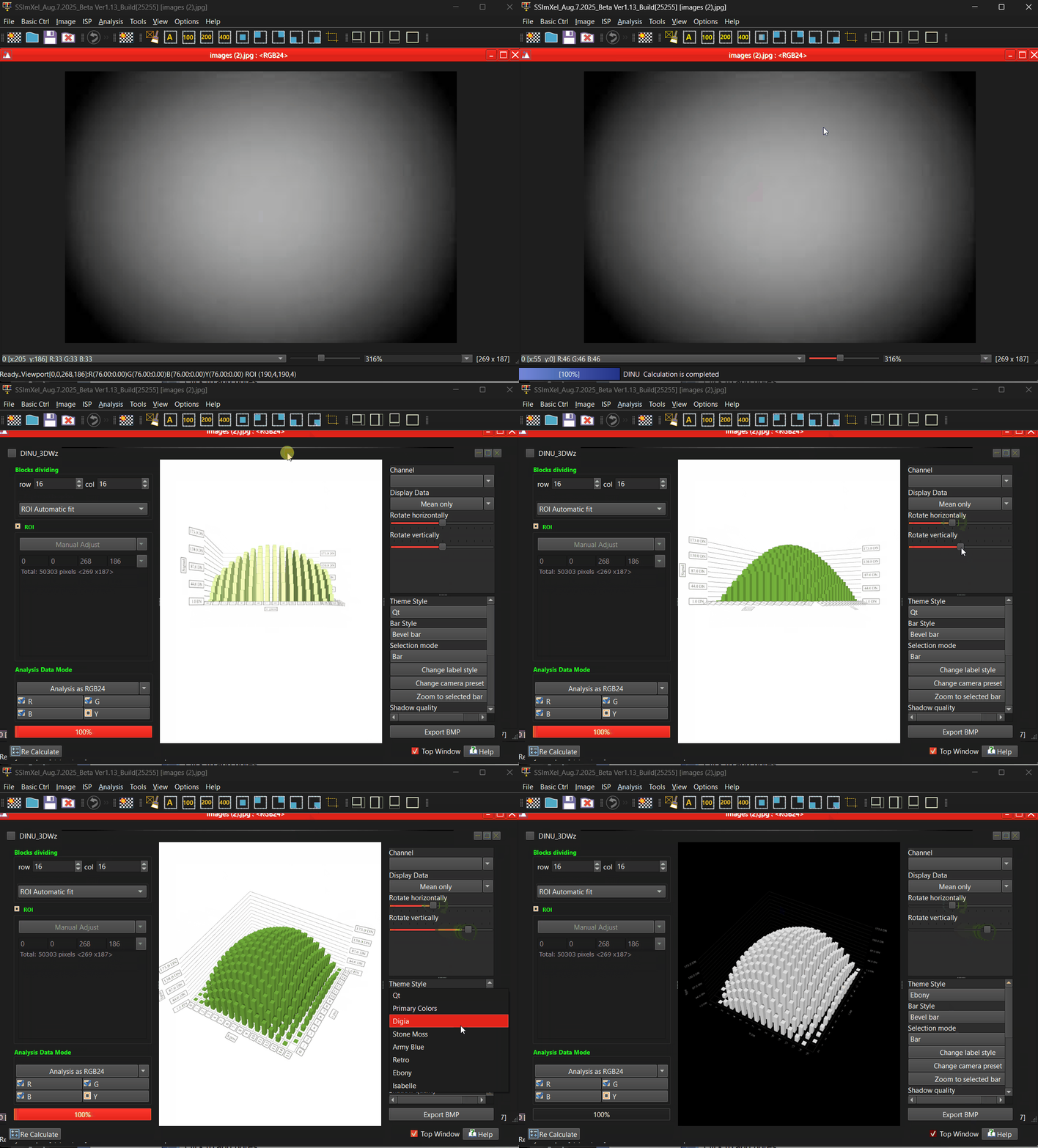
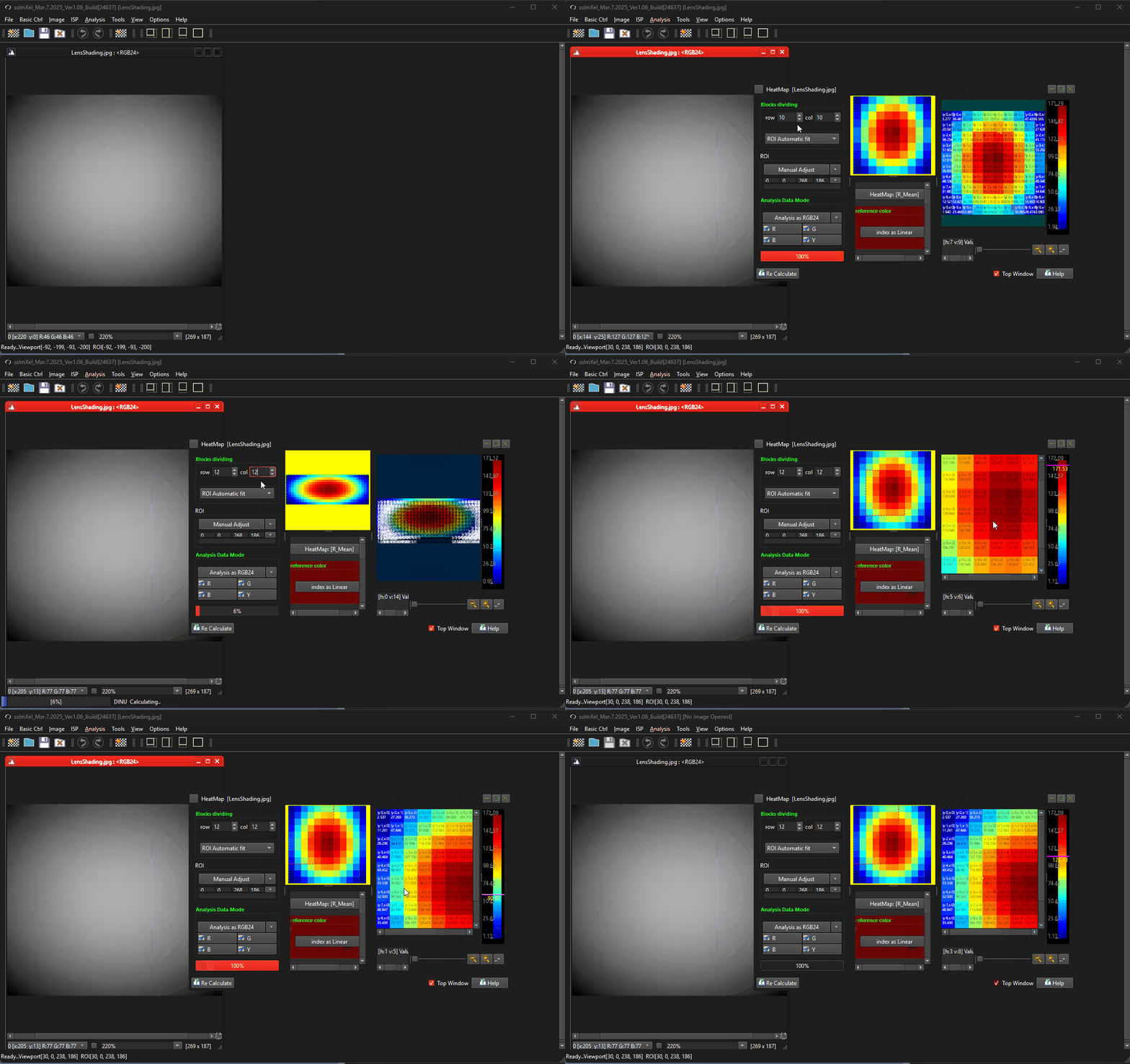
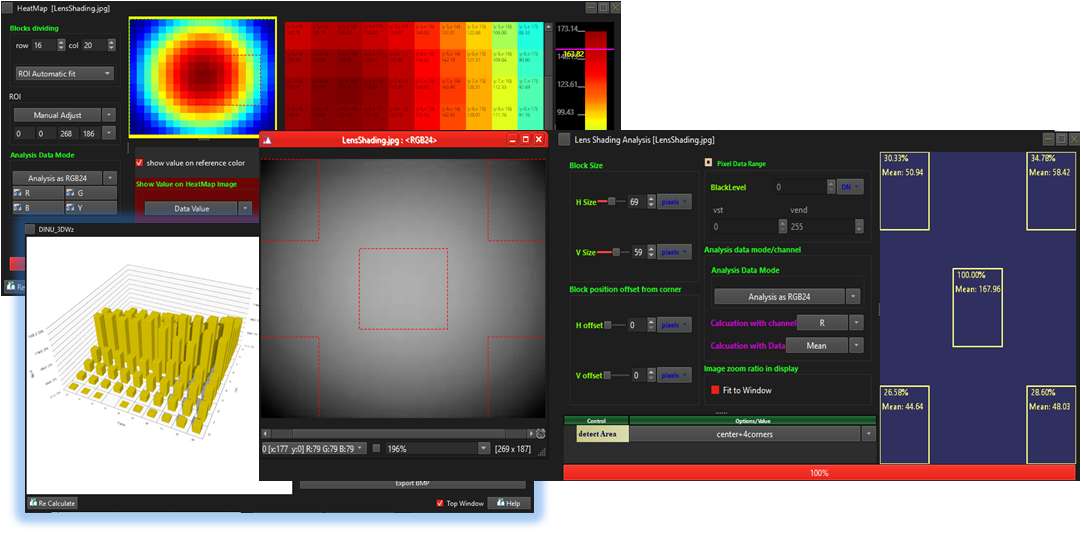
SSImXel provides a powerful solution for analyzing and correcting lens shading through various methods.
-
Lens Shading
In case the image or raw data file does not include any header information, and/or the user does not have information for the image size or format details,
This menu can helps identify the image dimensions and bit sequence/format. -
Lens Shading 3D
This menu help to analysis Header or Footer data including image raw data -
HeatMap
This menu help to analysis Header or Footer data including image raw data -
Lens Shading Remover
This menu help to analysis Header or Footer data including image raw data

- Analysis (Parent Menu)

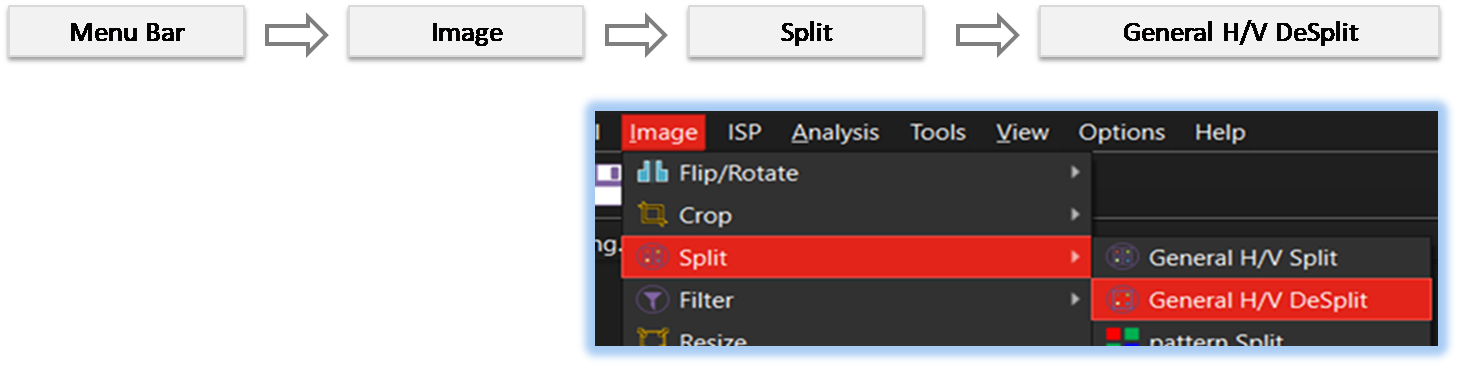
By selecting the menu options in the order shown in the image above or by choosing the toolbar icon
 , the LensShading_Top dialog box will be showed up as shown in below picture.
For a more detailed explanation of the toolbar button or how to configure toolbar,please refer to configure toolbar
, the LensShading_Top dialog box will be showed up as shown in below picture.
For a more detailed explanation of the toolbar button or how to configure toolbar,please refer to configure toolbar