Save_Custom
-> go to [Save_Main]

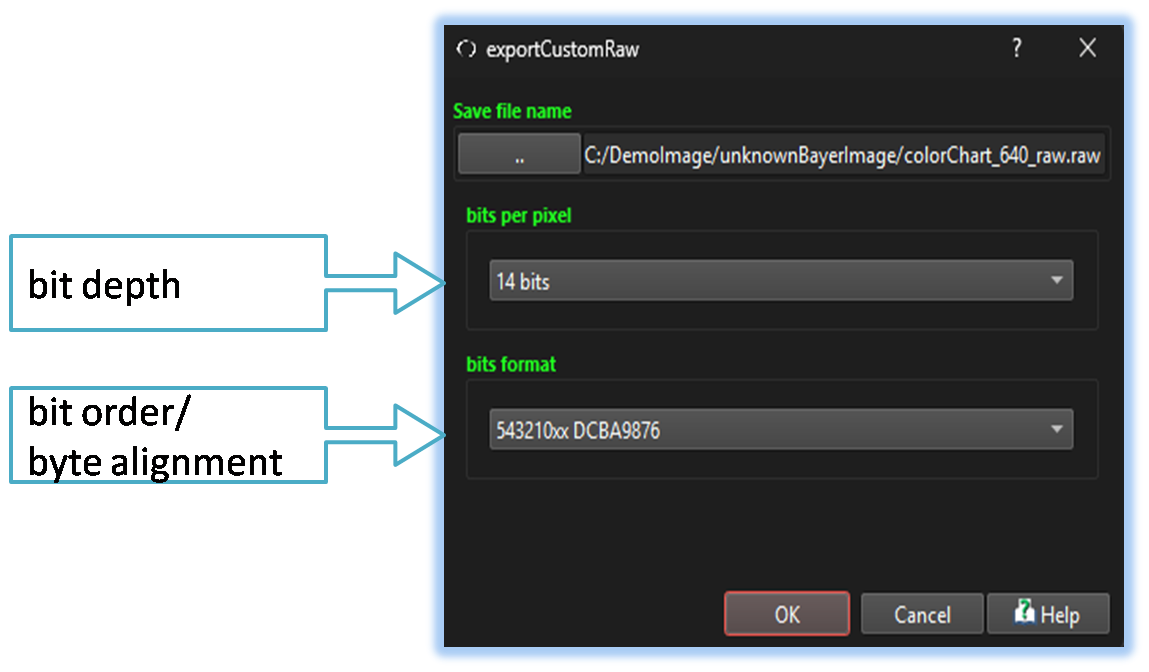
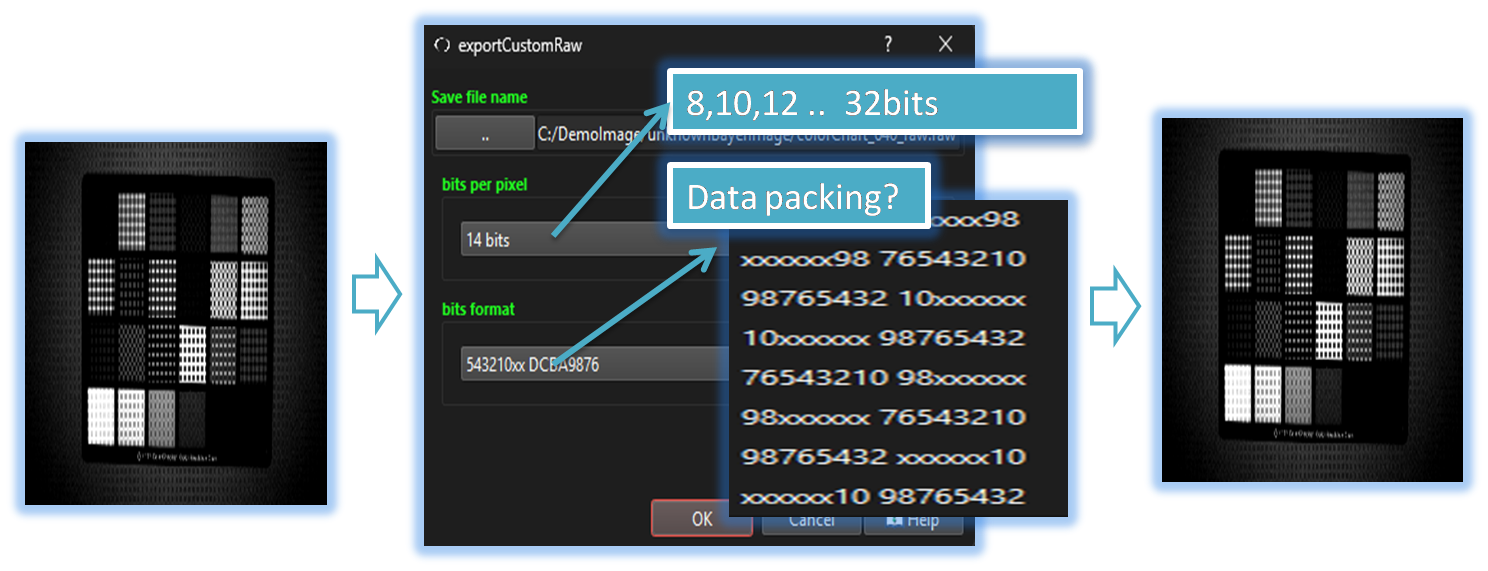
The user can adjust the bit order and bit depth to save data in the desired format, which provides flexibility when working with other image tools or hardware that require specific settings

- Save_Main (Parent Menu)

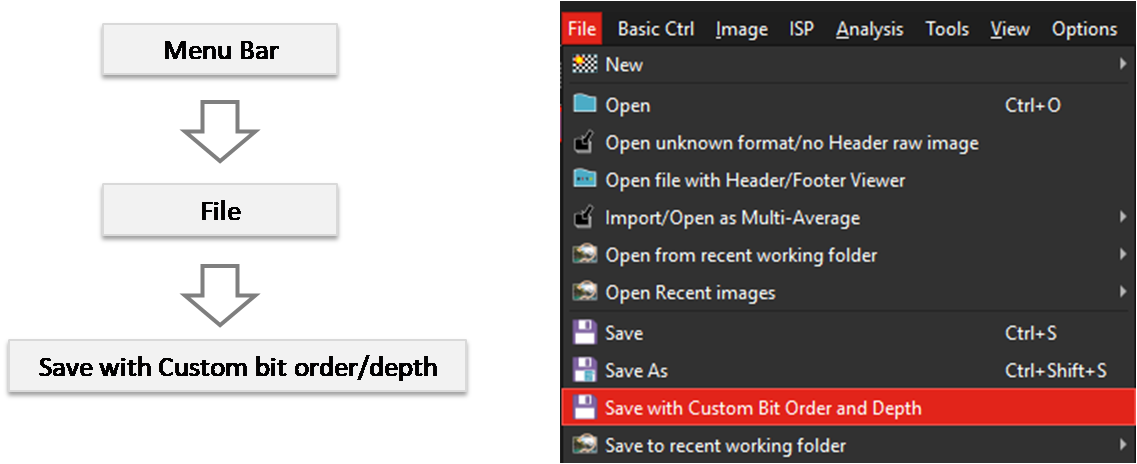
By selecting the menu options in the order shown in the image above or by choosing the toolbar icon
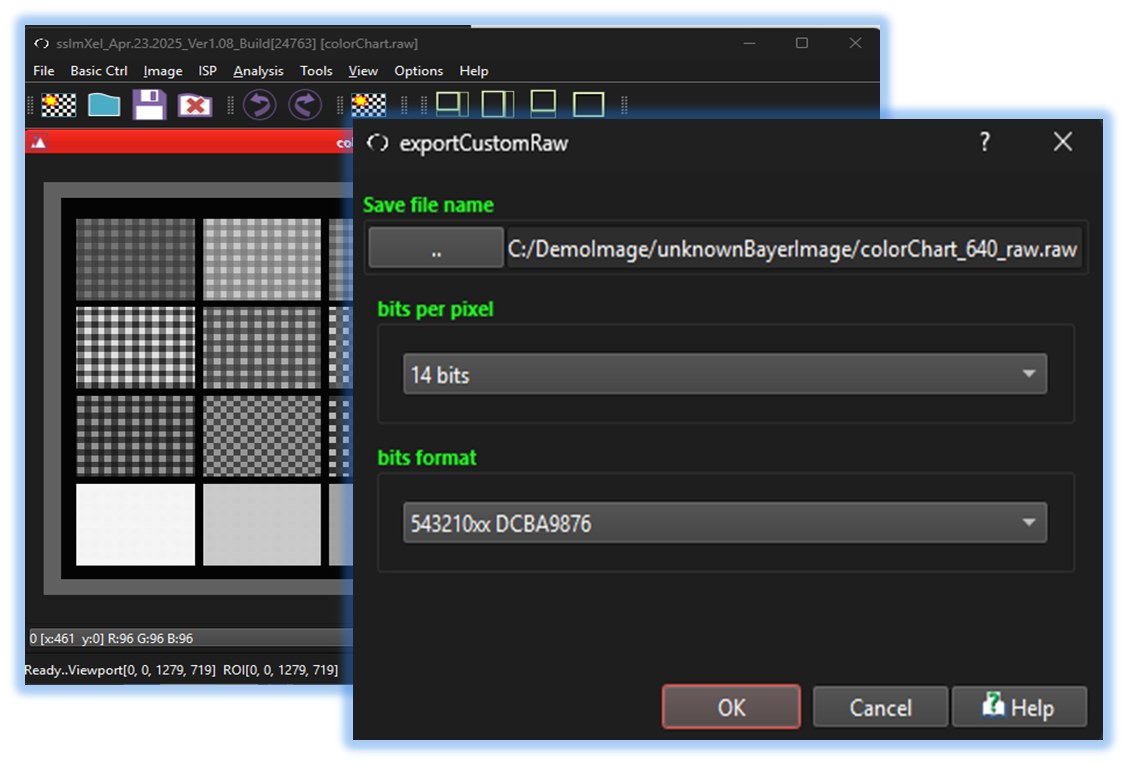
 , the Save_Custom dialog box will be showed up as shown in below picture.
For a more detailed explanation of the toolbar button or how to configure toolbar,please refer to configure toolbar
, the Save_Custom dialog box will be showed up as shown in below picture.
For a more detailed explanation of the toolbar button or how to configure toolbar,please refer to configure toolbar