Side by Side Image Comparison

In many cases, users need to compare two or more images side by side to clearly see differences in color, noise, and other features. However, when the image size is large, comparing small regions of interest (ROIs) by zooming and panning can be extremely challenging.
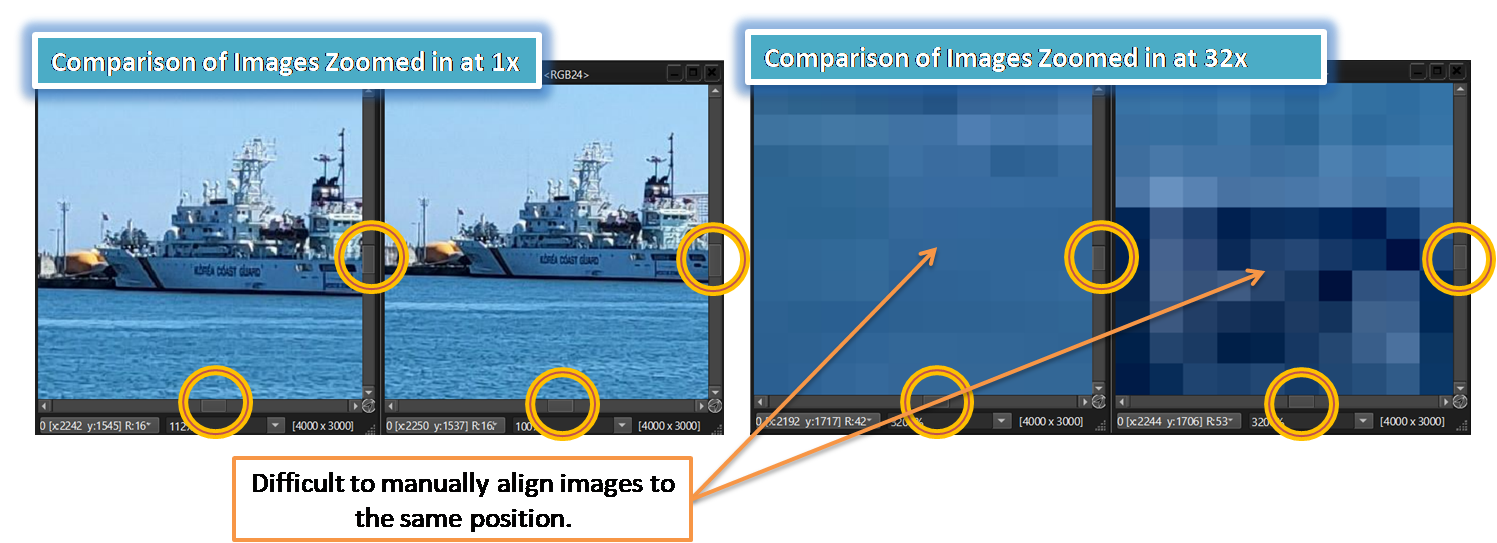

To address these challenges, SSImXel offers very convenient way of Side by Side Image or Pixels value comparison through the following sub-features.
-
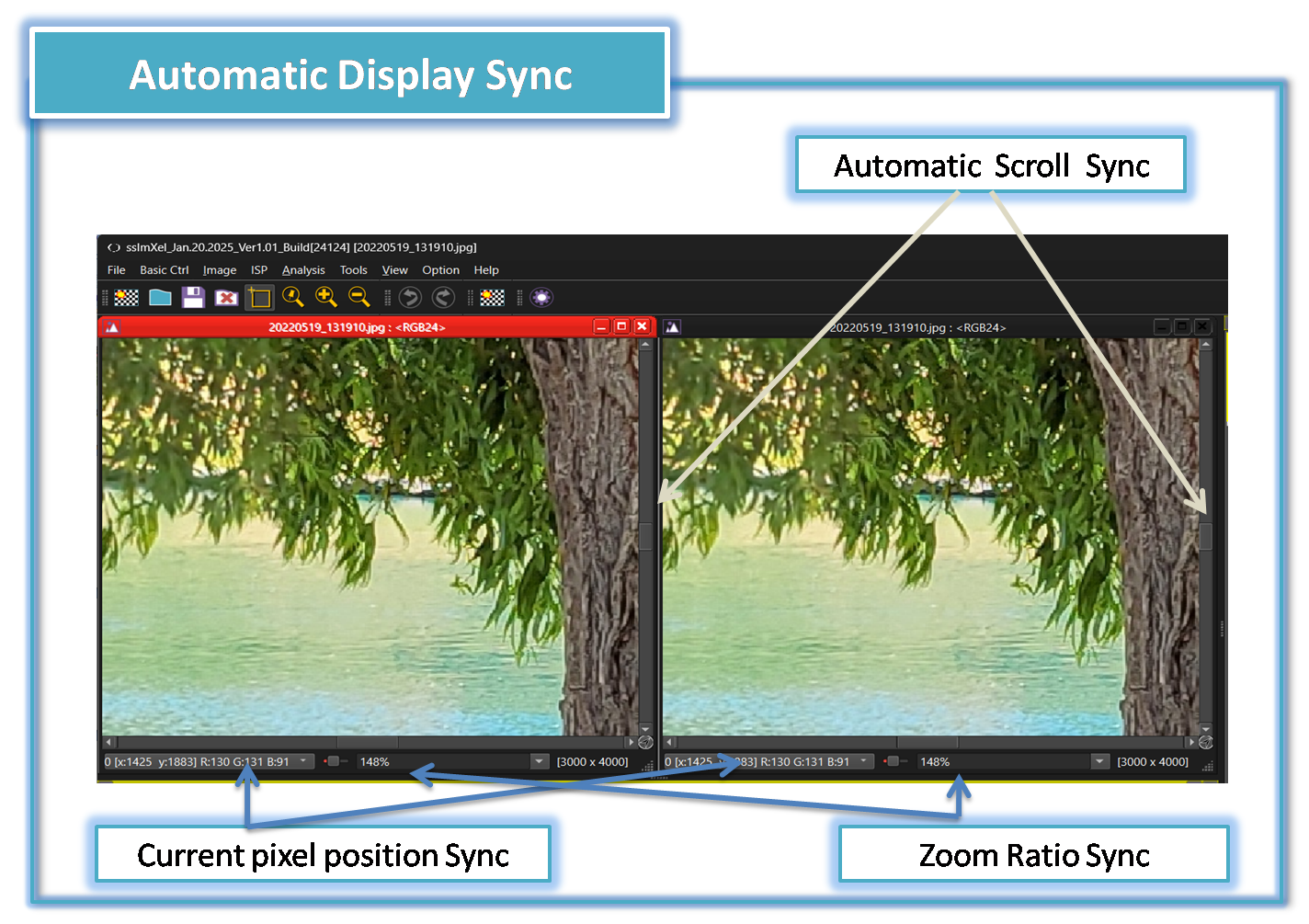
Automatic Scroll Sync for Viewports
-
Automatic Zoom In/Out Sync
-
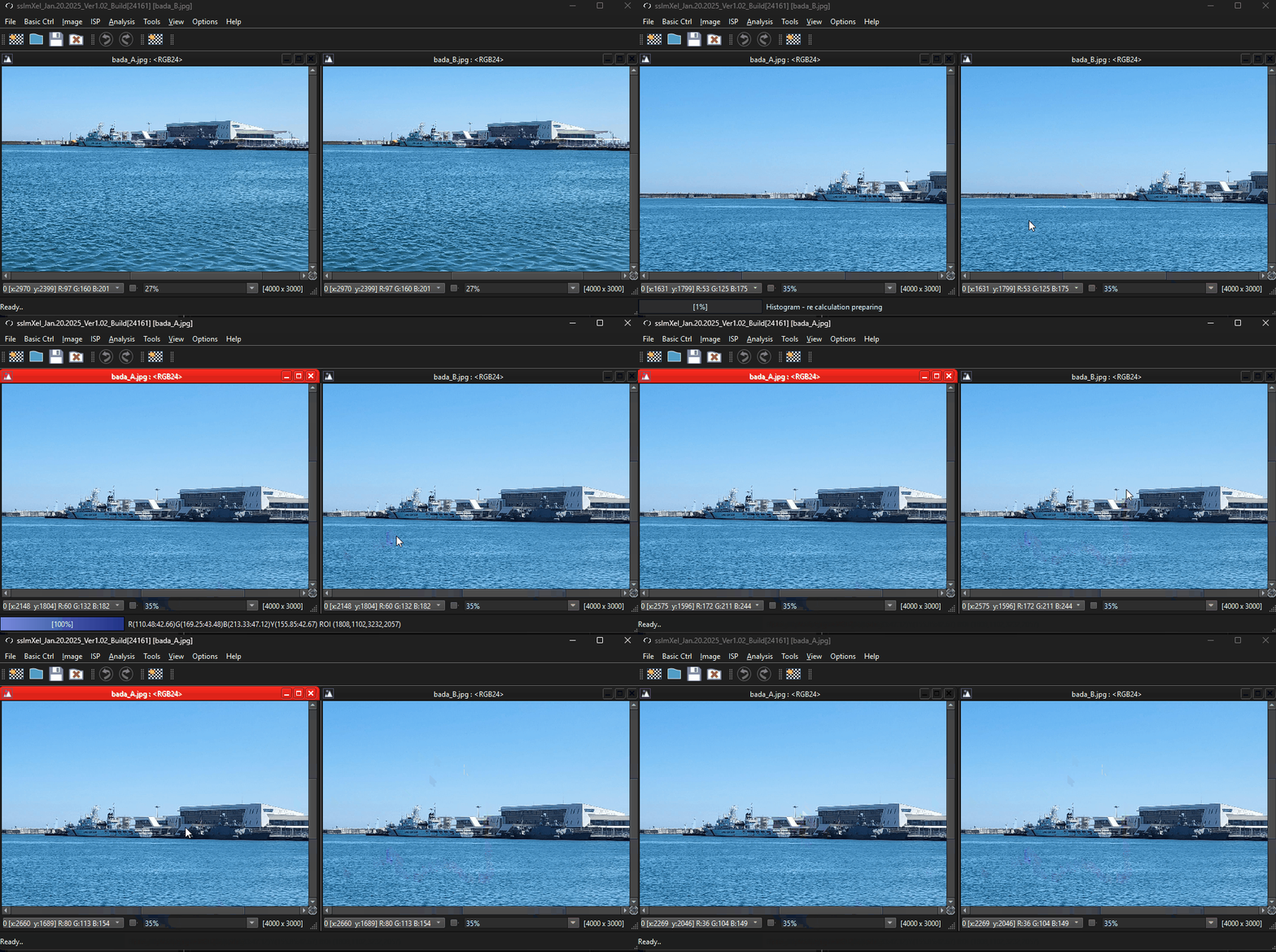
Automatic Sync of the currently observed pixel's position.
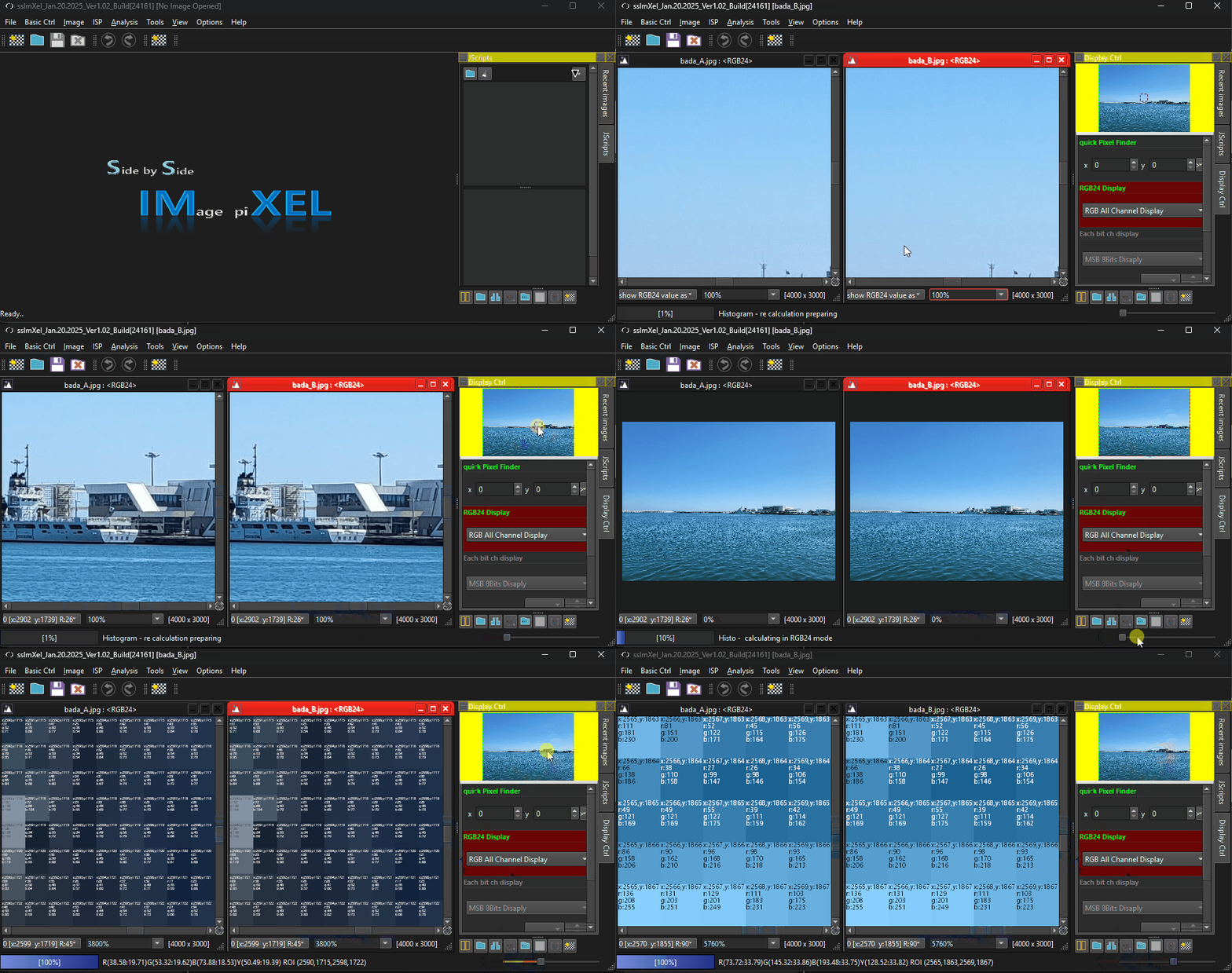
This feature is specially more convenient for specific areas of image pixel value comparison with VOI(Value on Image) function. -
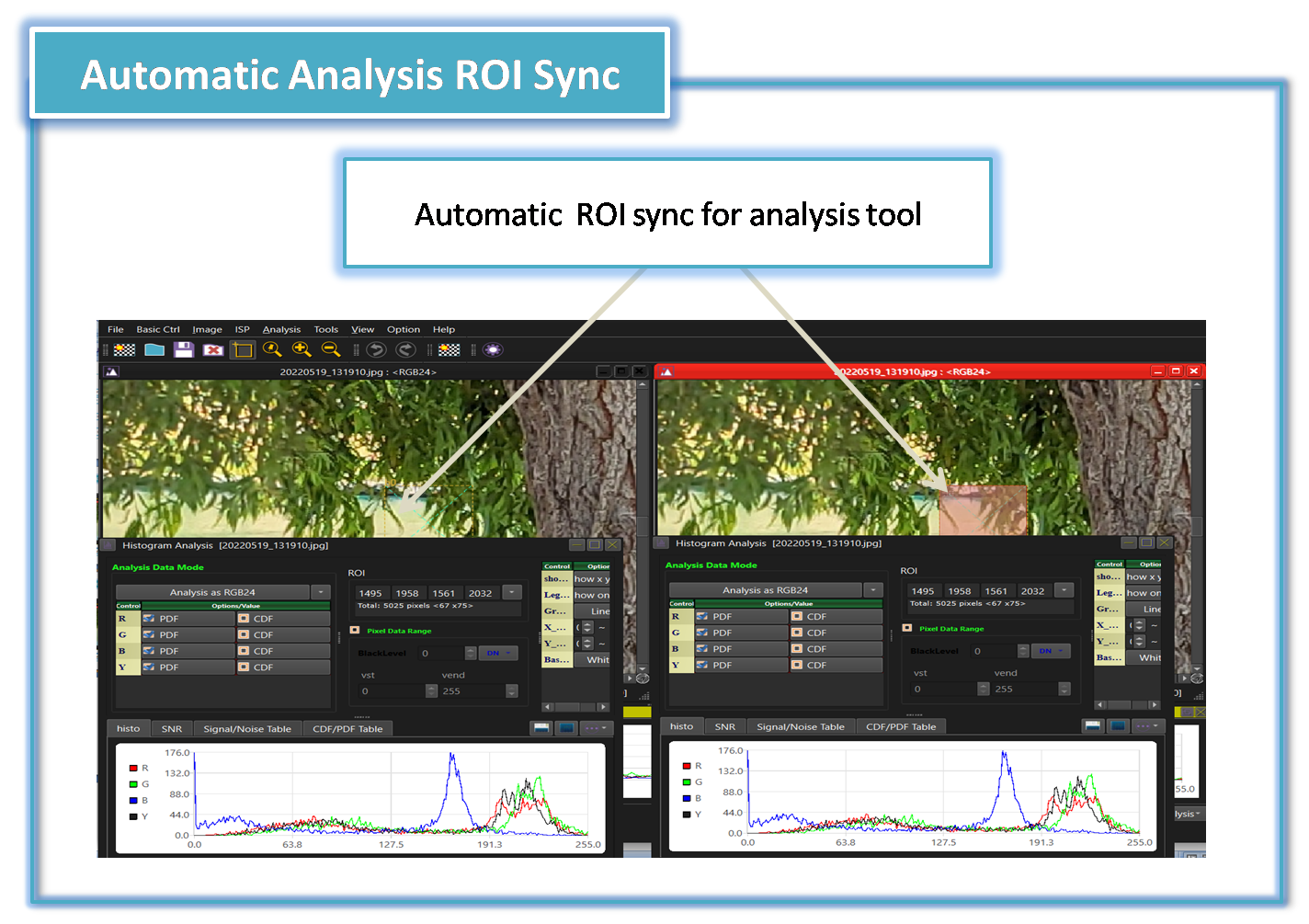
Automatic Analysis ROI sync.
- VOI(Value on Image) function.
- Image Toggle
- Subtract
- Image Compare (Parent Menu)
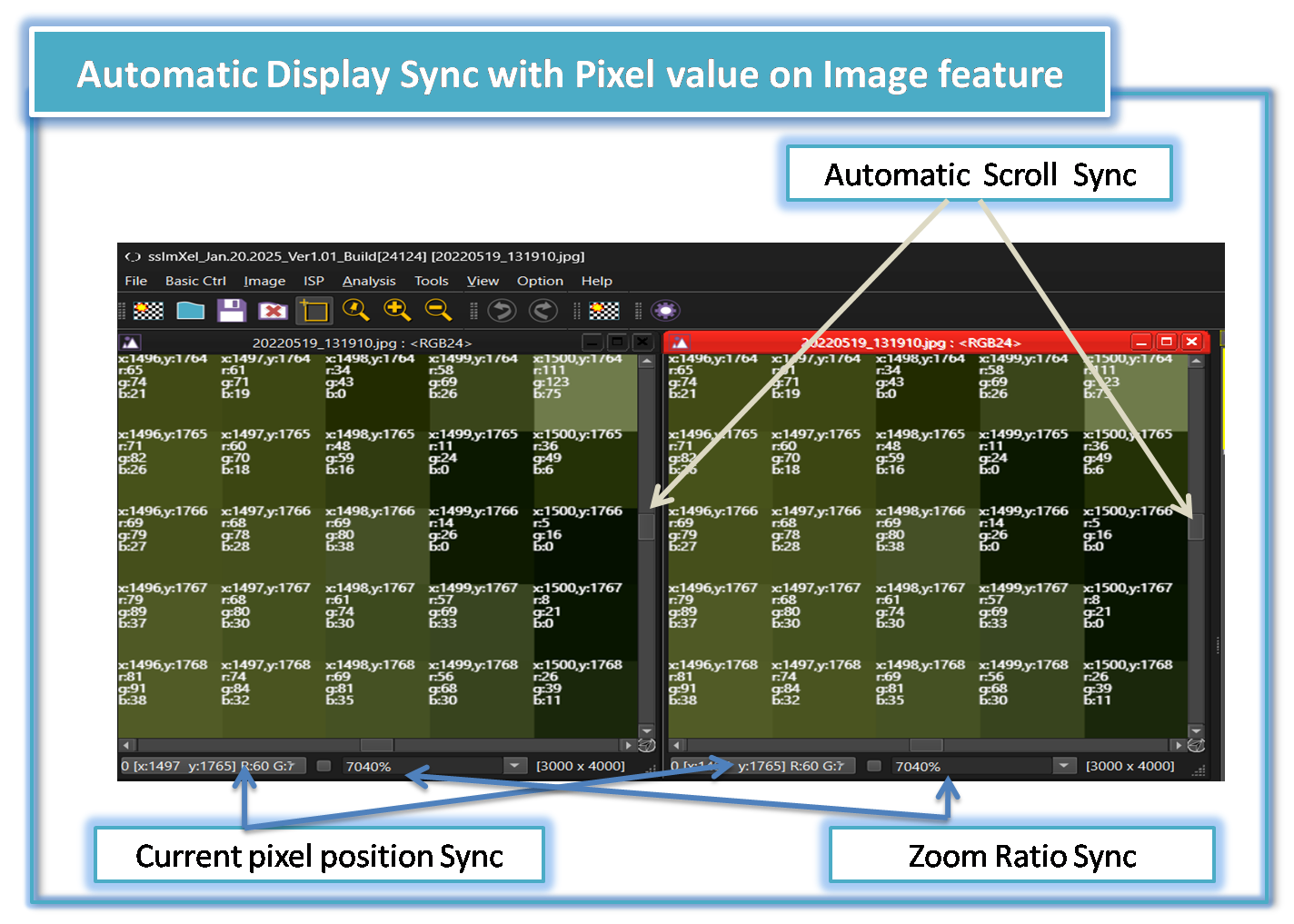


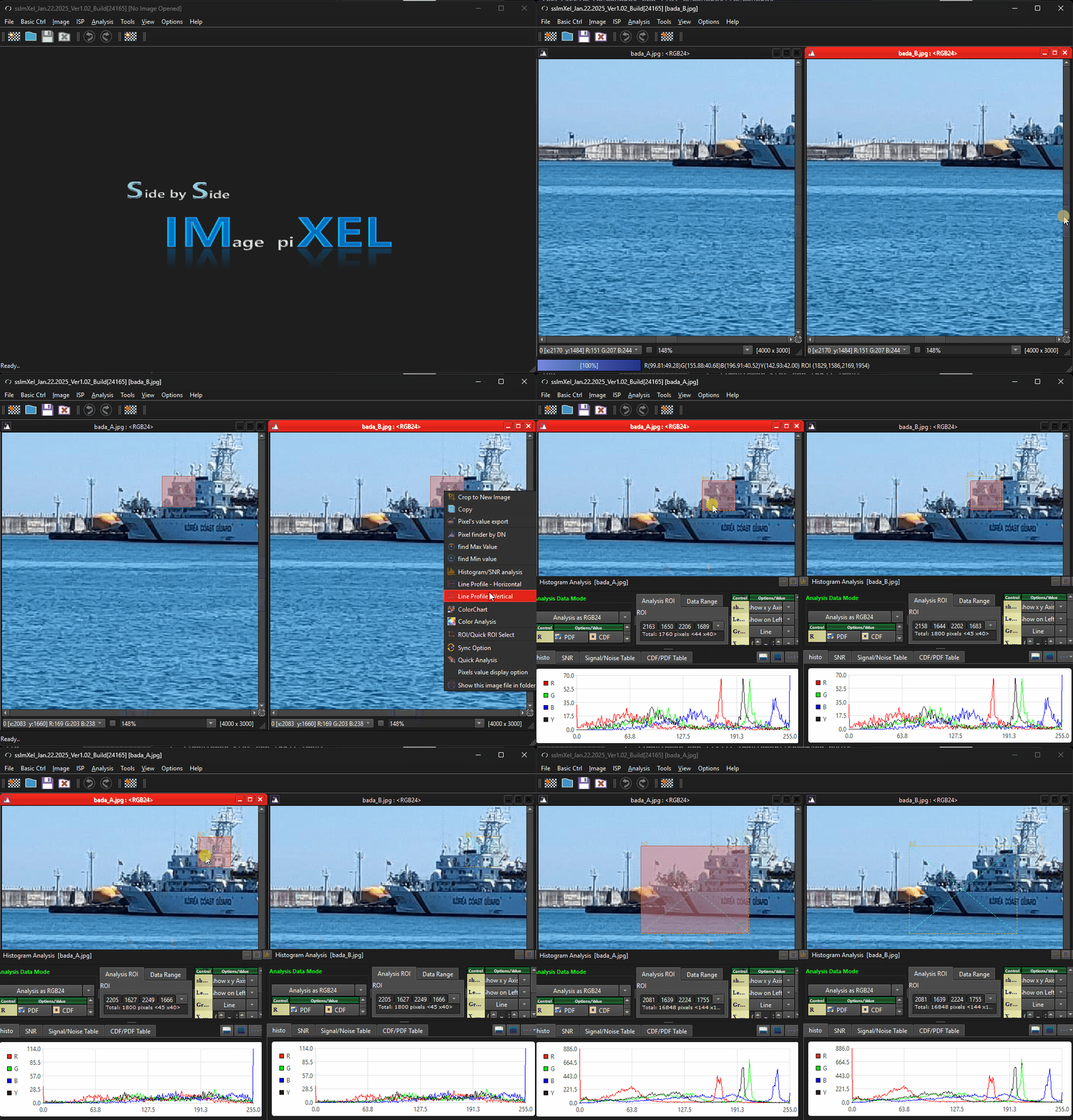
The GIF demo below demonstrates how this tool makes it easy for users to compare images at any zoom level or region of interest (ROI) with simple controls.
-
Scroll and Zoom Sync
-
Current Pixel position sync
-
Automatic Analysis ROI sync