
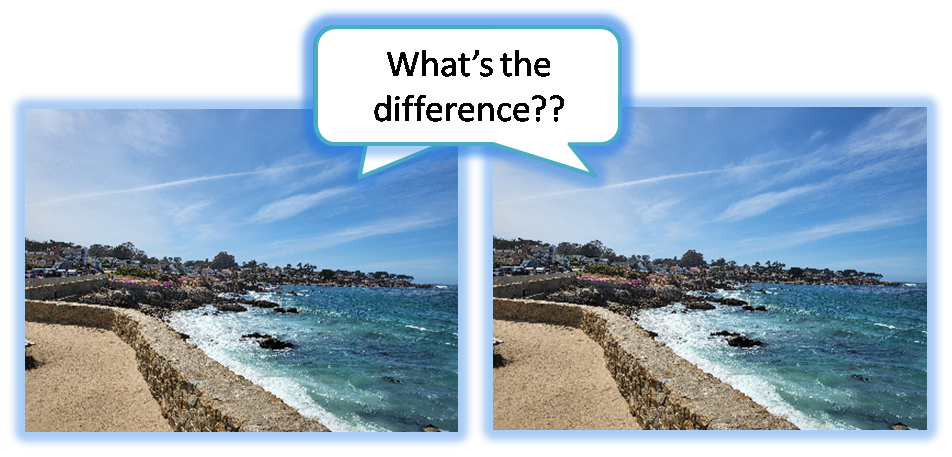
When you need to look closely at images, spotting tiny differences is super important. Our tool has amazing features that let you compare images perfectly, so you won't miss anything important.
-
1. See Side-by-Side for Clear Difference
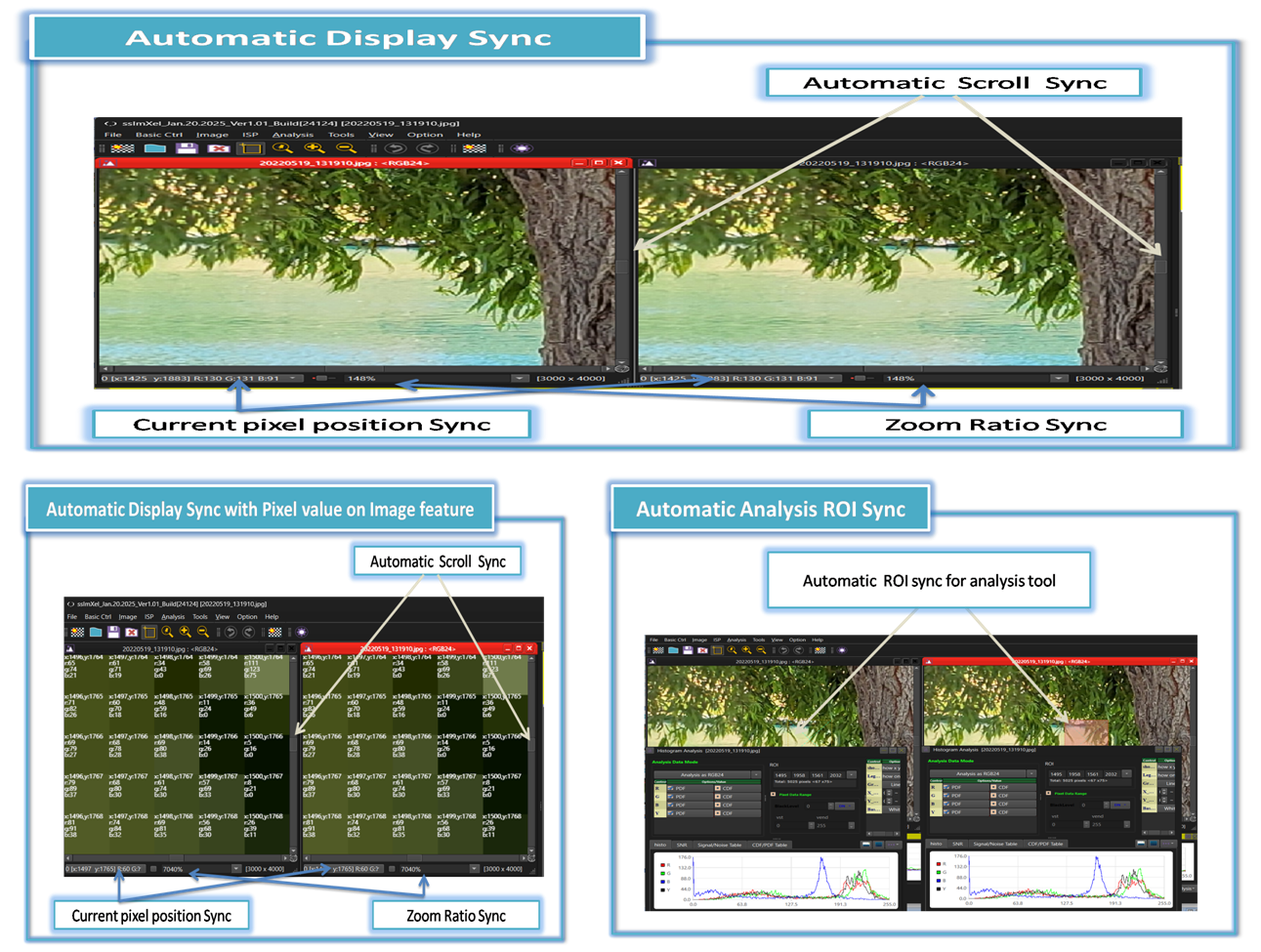
Often, you need to put two or more images next to each other to clearly see differences in colors, noise, or other details. But if images are really big, it's super hard to zoom in and move around just to compare small spots.
Our tool fixes this! You can easily put multiple images side-by-side. This means you can quickly compare any part of your images without constantly zooming or moving them around.
-
2. Find Small Changes with Quick Image Toggling
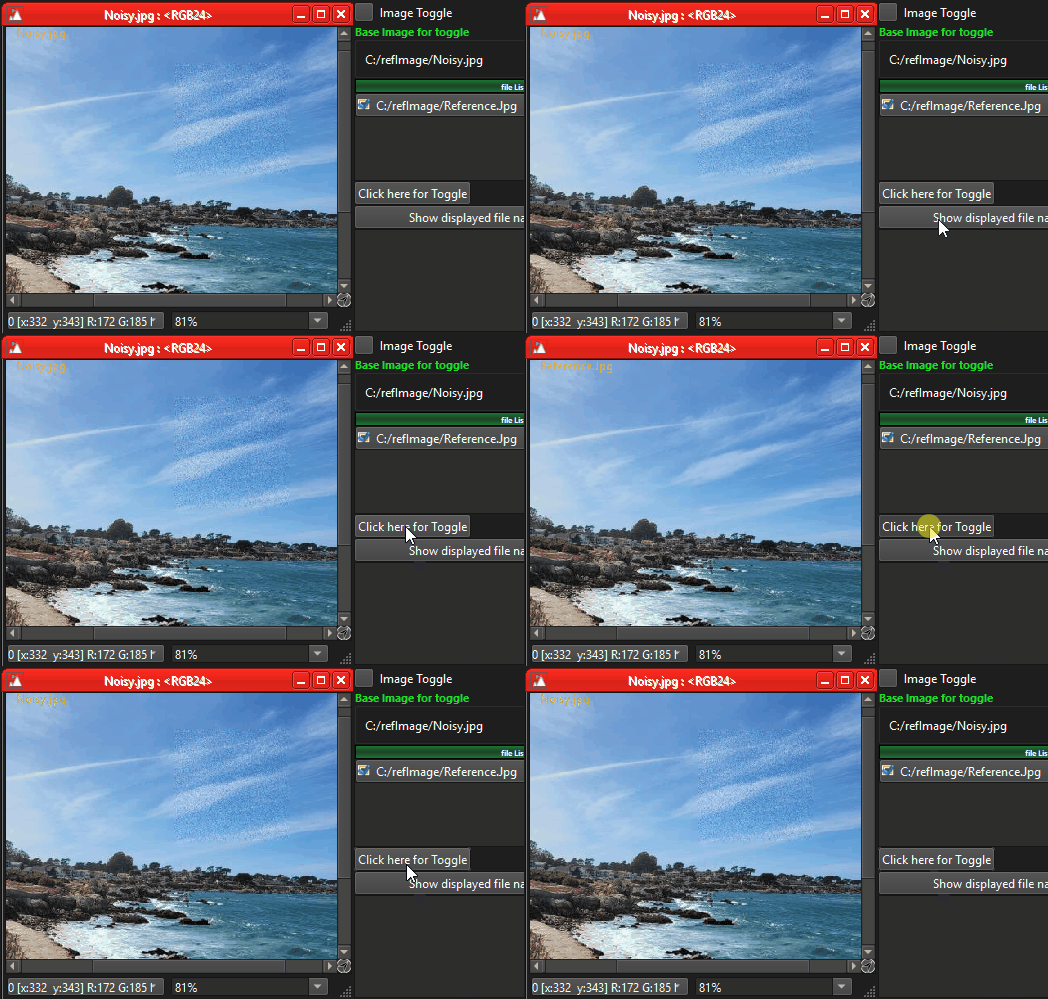
Besides seeing images side-by-side, our tool also lets you quickly switch between images. This makes it much easier to find small changes in:
- Sharpness: See if parts of the image are blurry or clear.
- Noise: Spot any grainy or unwanted spots.
- Color: Notice if colors are different or look off.
This fast switching helps your eyes catch tiny changes that you might miss otherwise.
-
3. Measure Differences with Image Subtraction
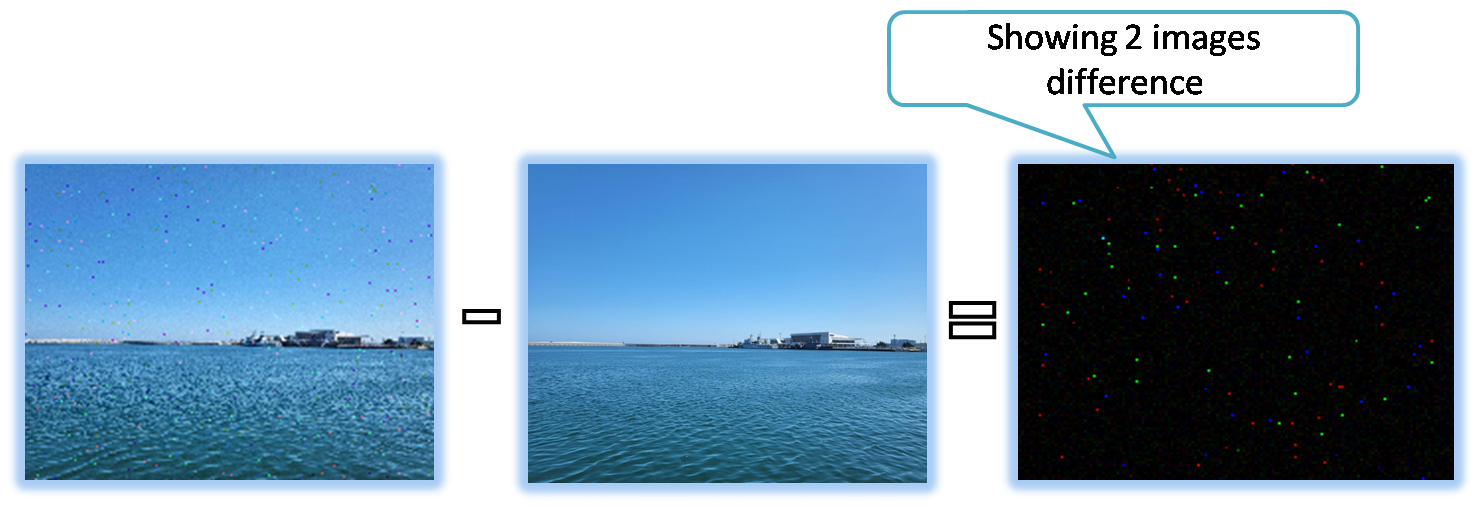
For times when you need to really measure changes, our tool has a smart image subtraction feature. It lets you compare images pixel by pixel to find and show exactly what's different.
Image subtraction is great for things like:
- Removing backgrounds: Take out the background to focus on just one thing.
- Finding changes: See what's moved or changed between two pictures, like in security or science.
- Spotting flaws: Compare a good image to a new one to find any defects.
- Analysis
- Image Control
- KeyFeatures (Parent Menu)
