Recent_Open
-> go to [Open_Main]

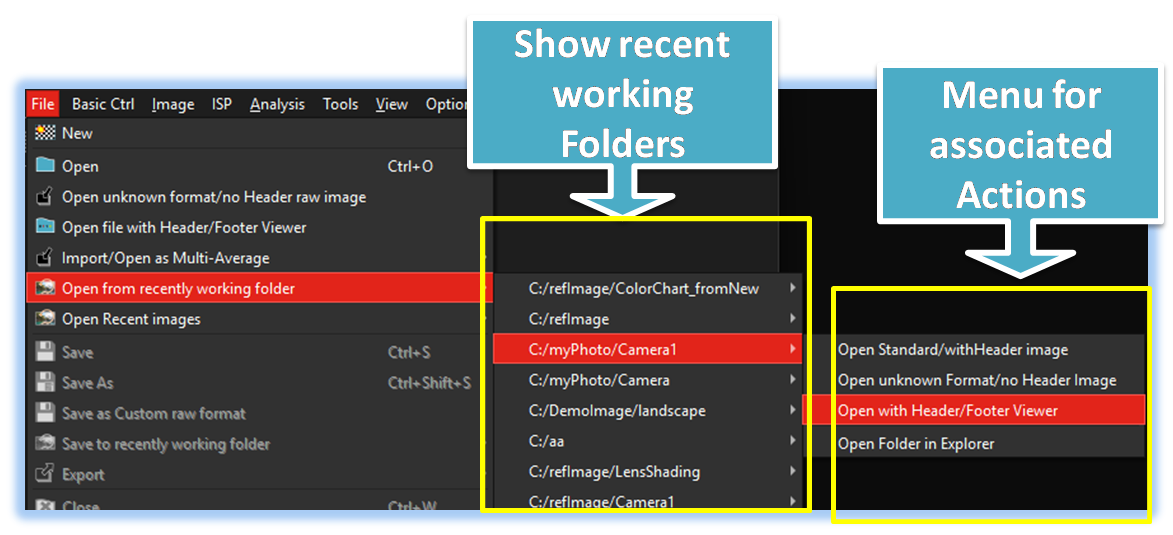
SSImXel provides a convenient reload function for previously worked-on images through frequently accessed folders. This feature is particularly beneficial for analyzing and processing images organized by directory, allowing users to efficiently revisit and refine their projects.

- Open_Main (Parent Menu)

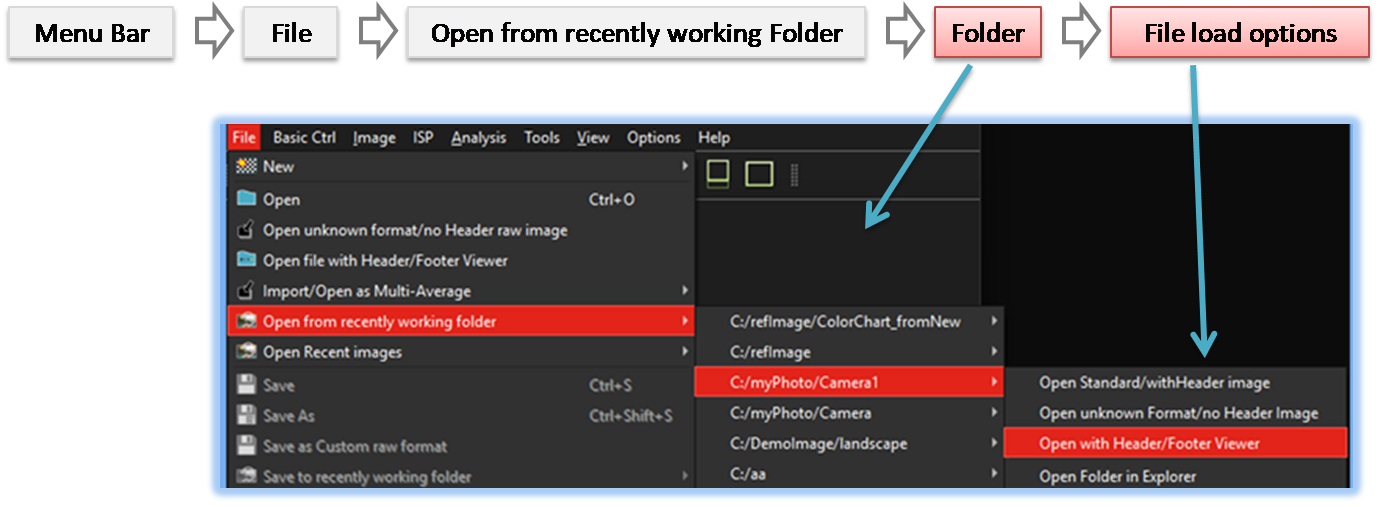
When the user selects 'File' -> 'Open from Recent Working Folder', a list of previously accessed folders is displayed, as shown in the image above. Upon selecting the desired folder, the Image File Load Option menu appears
-
Folder
This tool displays up to 8 recently used folders, allowing users to quickly access previously worked-on directories.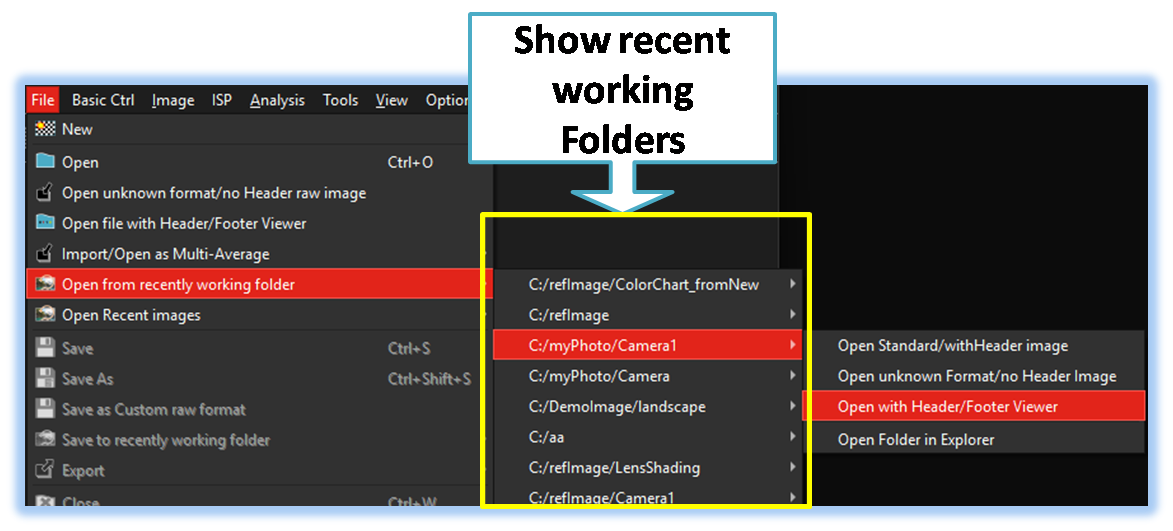
-
File Load Option
When a user selects a desired folder, multiple file load options appear, as shown in the image below. This allows for flexible file handling and efficient access to image files.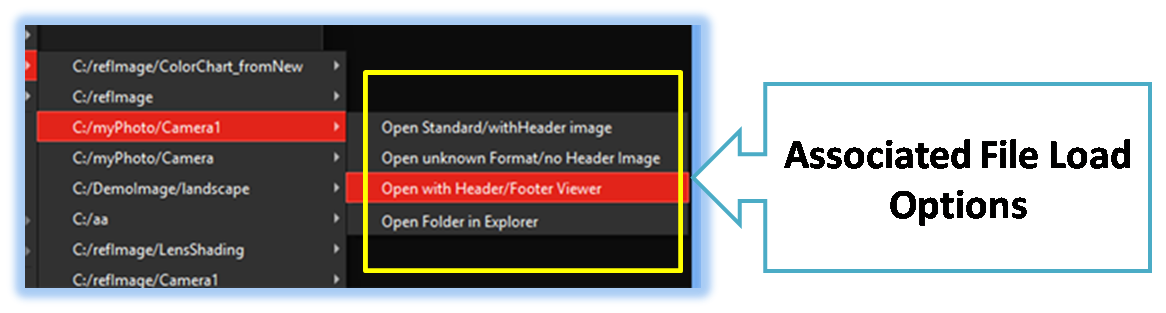
-
Open Standard/with Header Image
Supports opening of standard image formats such as BMP, JPG, and PNG, as well as Bayer raw images with known header formats.
-
Open unknown format / no-header raw images
If the image or raw data file lacks header information and the user does not know the image size or format, this menu helps identify the image dimensions and bit sequence/format. -
Open file with Header/Footer Viewer
This menu helps analyze header or footer data, including image raw data.
-
Open Standard/with Header Image