Processing Data Mode

SSImXel offers flexible processing options, allowing users to handle input images as Bayer RAW, RGB24, or as mono-channel (grayscale), depending on the image format and application needs.
Bayer Raw image
In case of Bayer raw data, the user can select one of the following processing modes: Bayer RAW, RGB24, monochrome (grayscale), or a user-defined Bayer pattern.
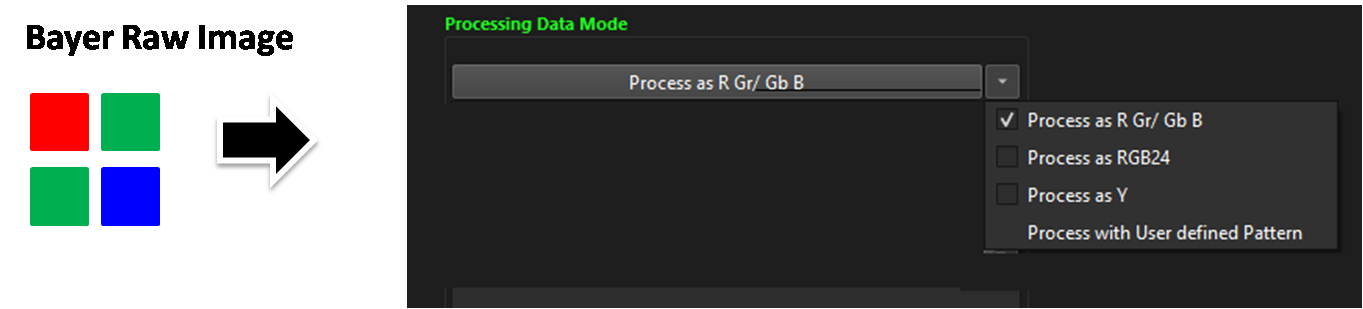
Process as R Gr/Gb B The user can apply parameter to each individual Bayer pattern channel (ex,R, Gr, Gb, B) which is defined in the image header or manually specified (for more details refer to Bayer Pattern) , allowing for independent control of each channel . Process as RGB24 The user can apply parameters separately to each of the R, G, and B channels. Process as Grayscale The user can apply a single parameter uniformly to all Bayer pattern pixels, treating the image as a monochrome (grayscale) input regardless of the original color filter pattern. Process as User defined Pattern If the user wants to apply parameters or adjustments to a specific CFA (Color Filter Array), this option can be used to manually specify the Bayer Pattern
RGB24 image
In case of RGB24 data Image , It only supports one option: process as RGB24.
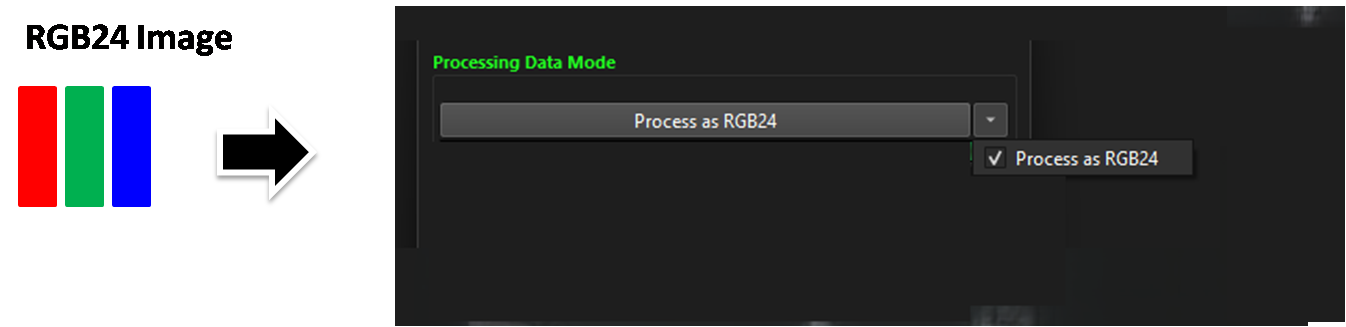
Process as RGB24 The user can apply parameters separately to each of the R, G, and B channels.
.