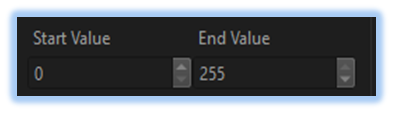
Pixel Value Range Control
-> go to [Analysis]

Defining a pixel value range in image analysis can offer various advantages, such as focusing on relevant intensity levels, reducing noise, enhancing feature visibility, and improving the overall efficiency and accuracy of the analysis.
and also In many types of analysis, black level correction ensures accurate signal and noise evaluation by removing sensor offset and aligning the baseline to zero.
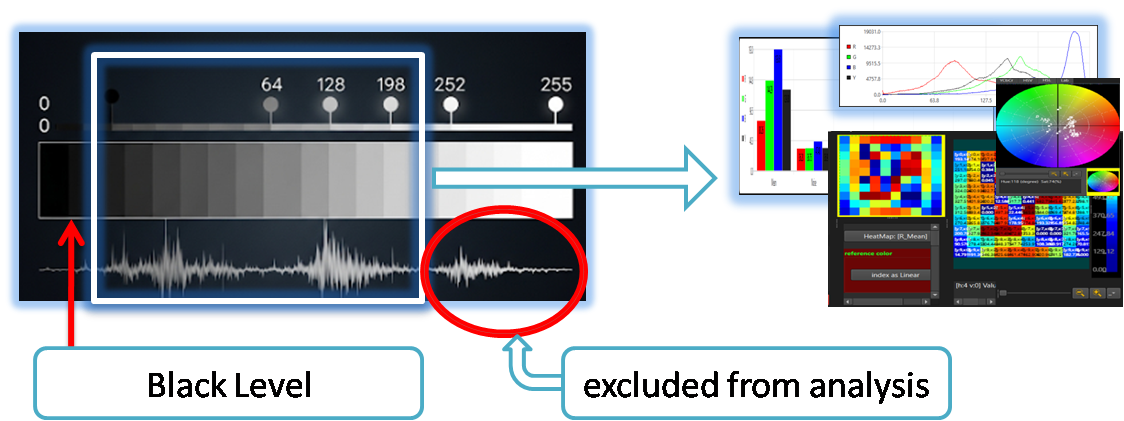
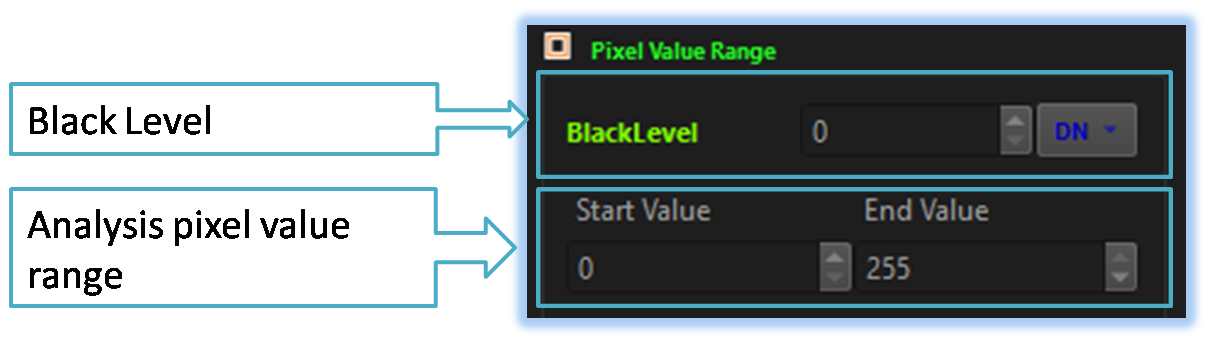
In image analysis, the user can define the black level and pixel value range using pixel value range control.

- Analysis (Parent Menu)

-
Enable Pixel Value Range Control
Enable or disable the Pixel Value Range control.
If disabled, the analysis tool will use the full pixel value range, assuming a black level of 0.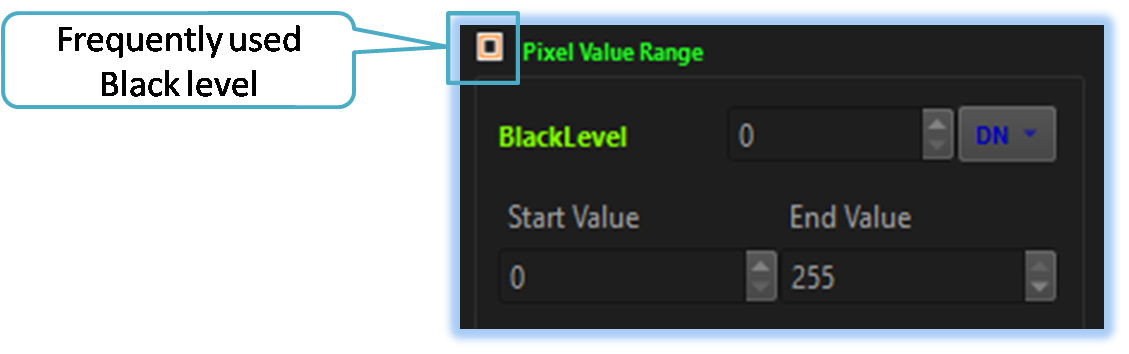
-
Black Level Compensation
The user can adjust the black level compensation value using this control.
If the user clicks the DN button located on the right, the tool will display commonly used black level compensation values.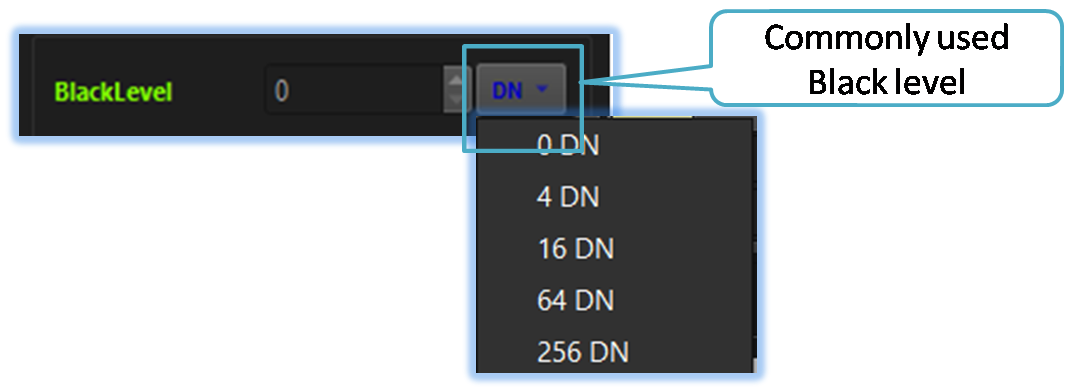
-
Pixel Value Range Adjust
The user can adjust the pixel value range using this control.can be improved by focusing only on the areas of interest.